

An owner who lives away from their holiday home often has only your website to go on. Good web design for Mornington Peninsula trades answers the questions a site visit would have answered. It shows whether you do this kind of job on this kind of property and how you get in. It also explains how you price the work without the owner there, and how they will know it is done.
Picture an owner at a desk in the city on a Tuesday. The gutters on the beach house need clearing, and they will not see the place for weeks. They open three trade websites and book the one that answers those questions without a phone call.
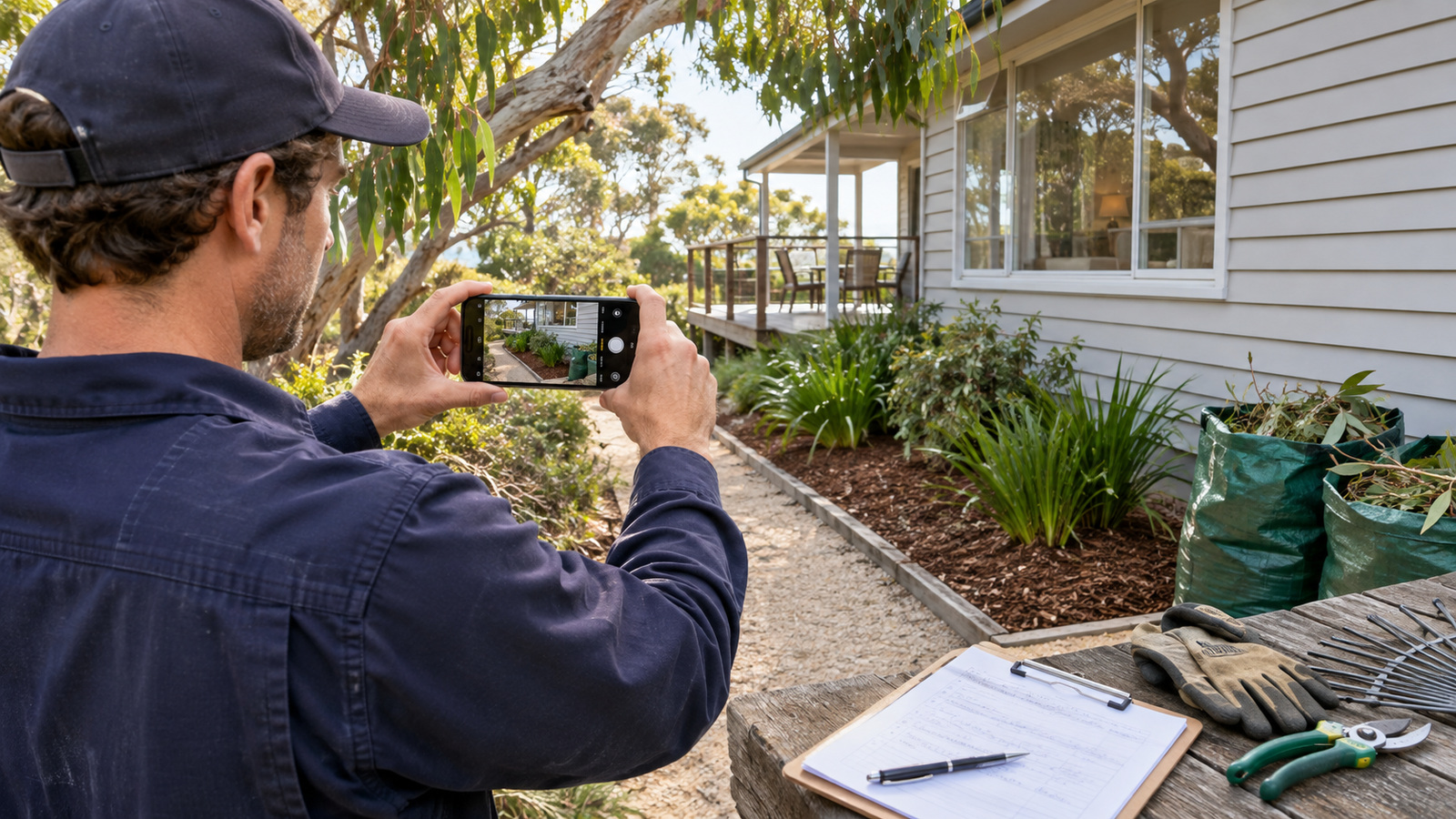
This customer owns a house on the peninsula and lives somewhere else. They might use it on weekends and holidays, keep it in the family, or let it to guests. Either way, they book from a distance, often well before the work is due.
If some of your work comes from owners like this, treat them as a different customer. The local rings, meets you at the door and watches you work. The absent owner cannot check you in person. They may not know a neighbour to ask for a name. Most of what they learn about you comes from a screen.
Your local customers still matter, and one website can serve both. The owner who lives elsewhere just needs a few answers the local never asks for.
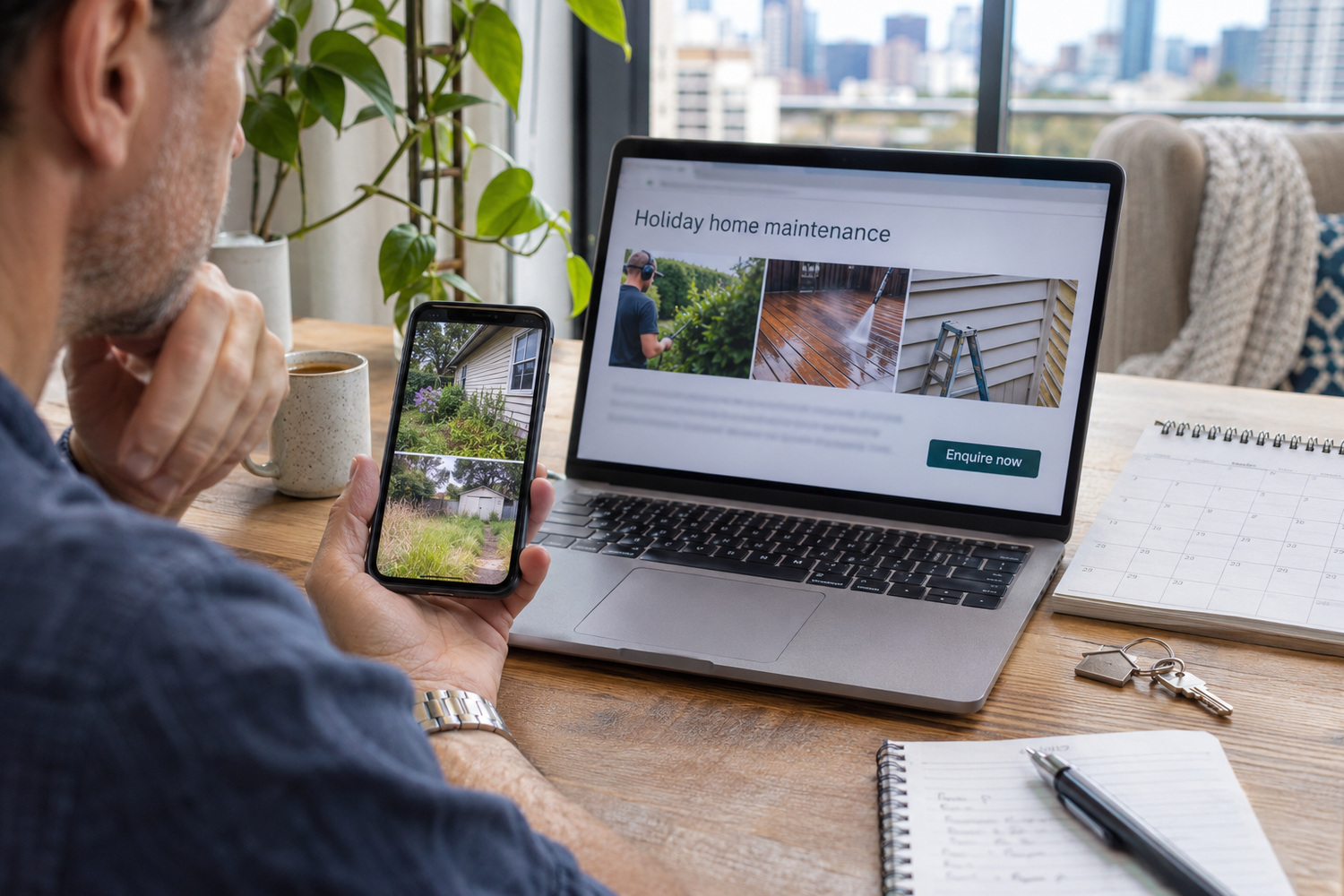
Before giving a stranger access to an empty house, an owner wants to know four things. Put each one on the site, in plain words:
How fast you can get to a job is a separate promise from how fast you reply. That one depends on distance, and it starts with being exact about the area you cover.
All of this sits on top of the basics, like real job photos, licence details and a phone number you can tap on a mobile. Those come first, because they are what every tradie website has to prove.
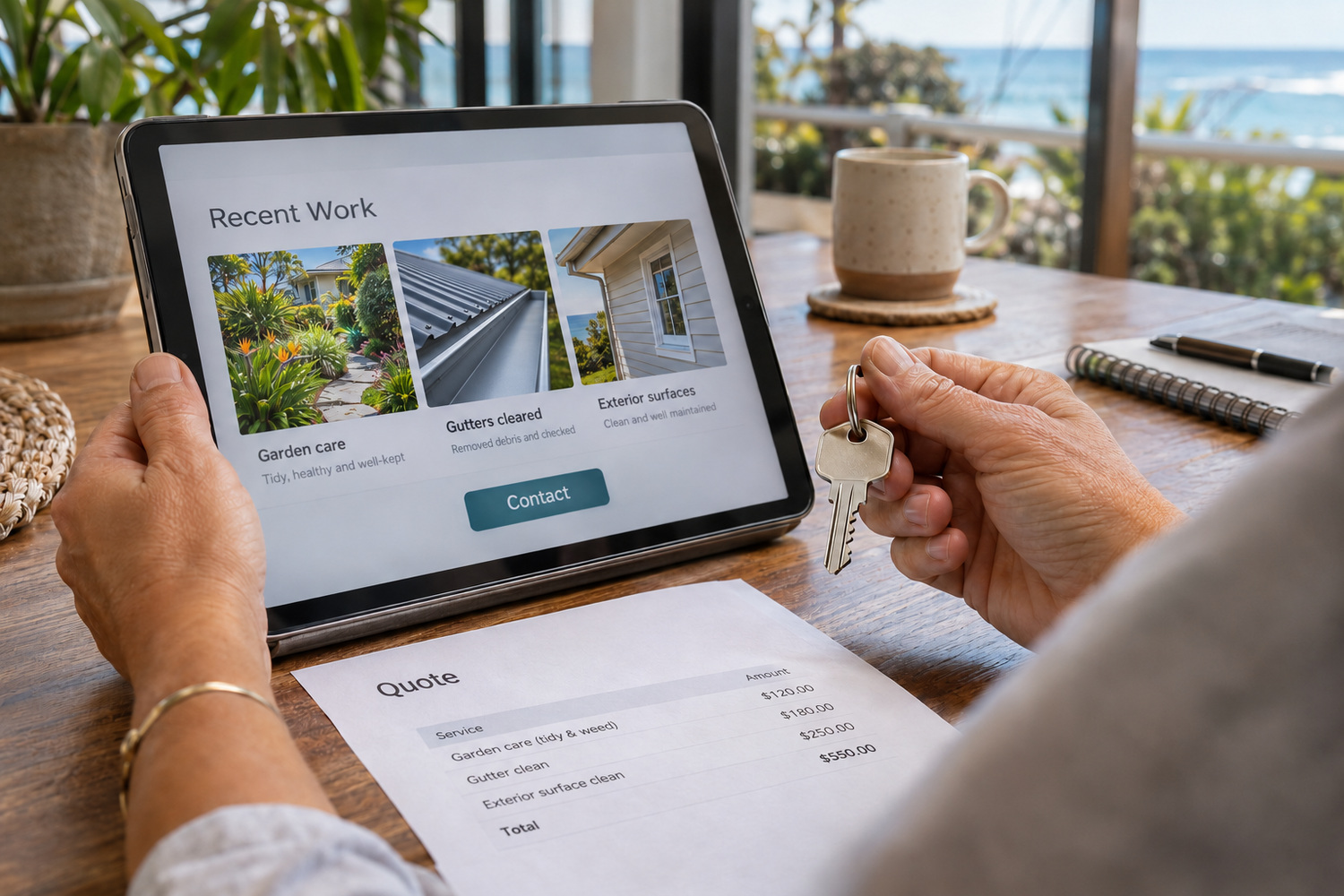
The owner cannot walk you around the house, so the site should say how a quote works at a distance. Three things help.
Say what the owner can send. For a simple job, a few photos from the right angles may be enough. Add the rough size of the area and any access notes. Say which photos are most useful for the jobs you do most.
Say when you need to see it first. Some work cannot be priced from a phone photo. If you charge for an inspection visit on certain jobs, say which ones, so the owner is not surprised.
Say what the quote covers. Does it include getting in and out, taking rubbish away and cleaning up? Will you call before doing extra work you find on the day? An owner who cannot inspect the result wants those answers before they say yes.
None of this needs a price on the page. It needs the steps, in the order the owner will follow them.
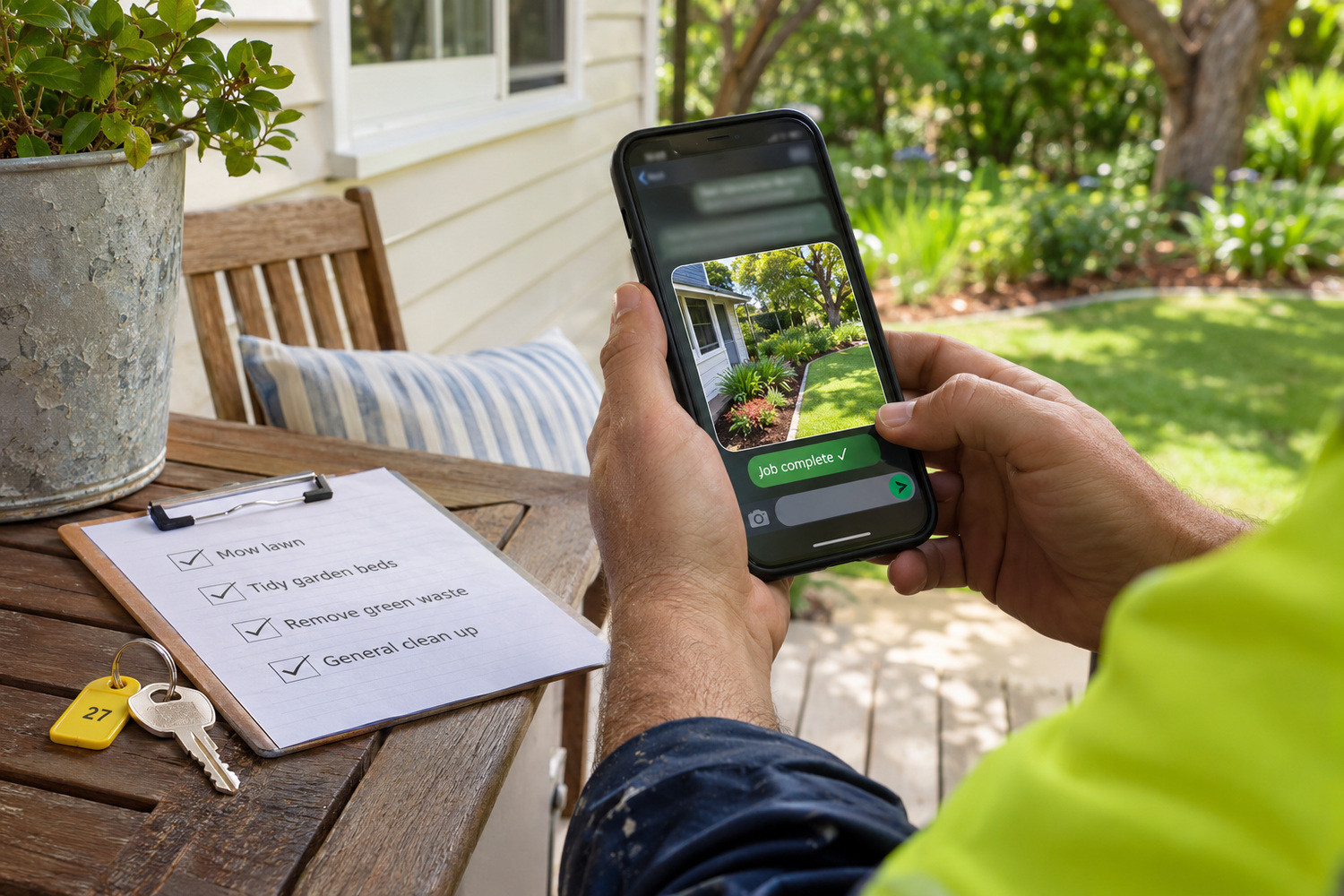
Access and reporting are the part a local customer never needs. Before booking, the absent owner wants to know how you will get in. They also want to know how they will hear the job is finished. Each answer is a decision you make once and then publish.
Write these as your own choices, in your own words. If you do not hold keys, say so. If you send photos only on request, say that too. An owner can plan around an honest limit.
| What the owner worries about | What the page should say |
|---|---|
| How will you get in? | The ways you accept: a key handed over, a lockbox code, a property manager or a neighbour |
| Who holds my key? | Whether you keep keys between jobs, and how they are stored and labelled |
| Is the job finished? | That you send photos of the finished work, and when |
| Did you find anything else? | That you send a short note of anything you noticed, with a photo |
| How do I pay? | How the invoice is sent and how it can be paid |
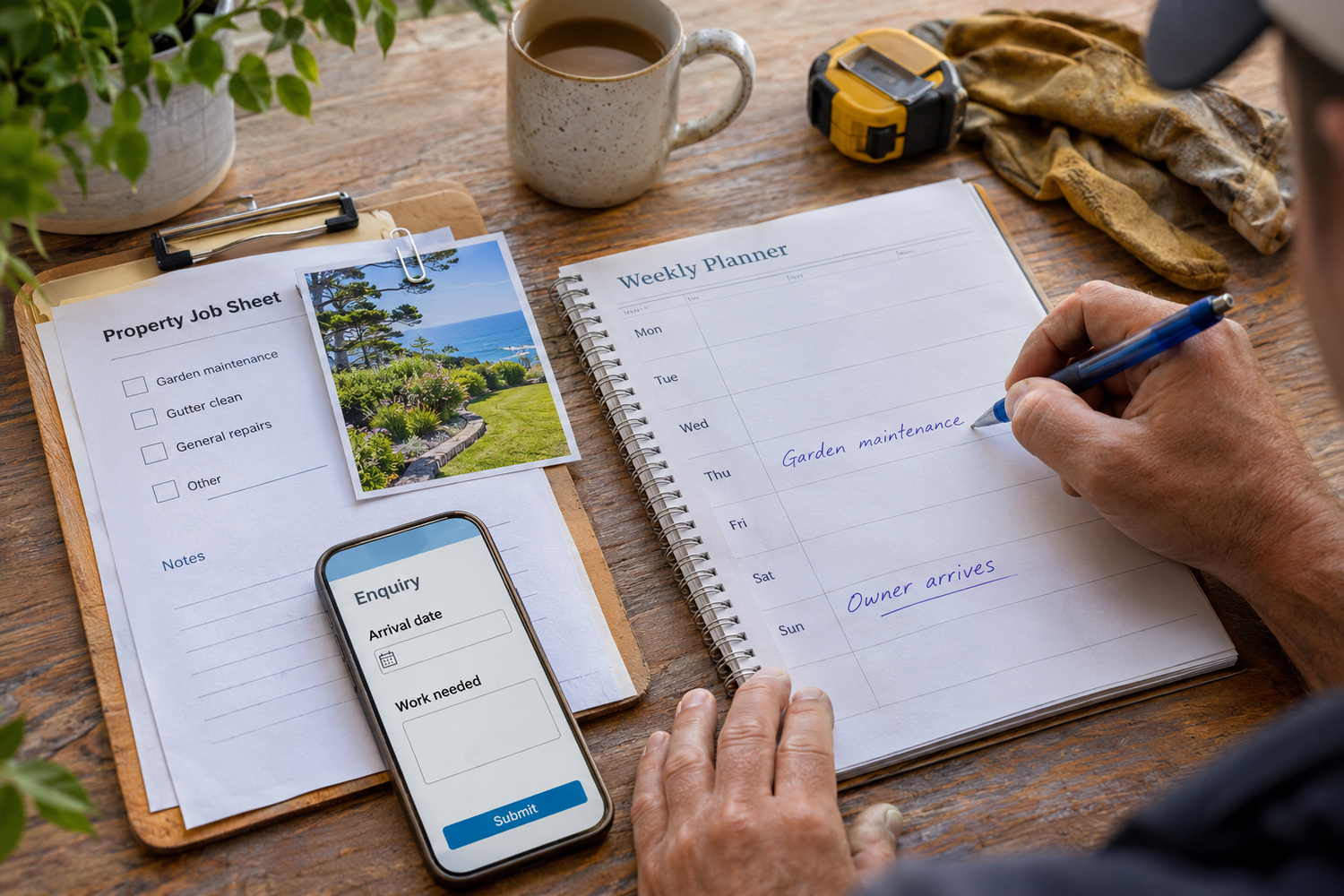
When an owner lives elsewhere, the work has to fit around their visits. The house needs to be ready before they arrive, and they need to hear about any problem while they are away.
The site can make both easy to ask for. Invite owners to book work ahead of their next visit, and say how much notice you need. You may offer checks on an empty house, such as a look at the garden or the gutters between stays. If so, describe what the check includes and how the owner hears back.
Ask for arrival dates on the booking form or in the first message. If you know when an owner plans to arrive, you can schedule the job and send the photos before they pack the car.
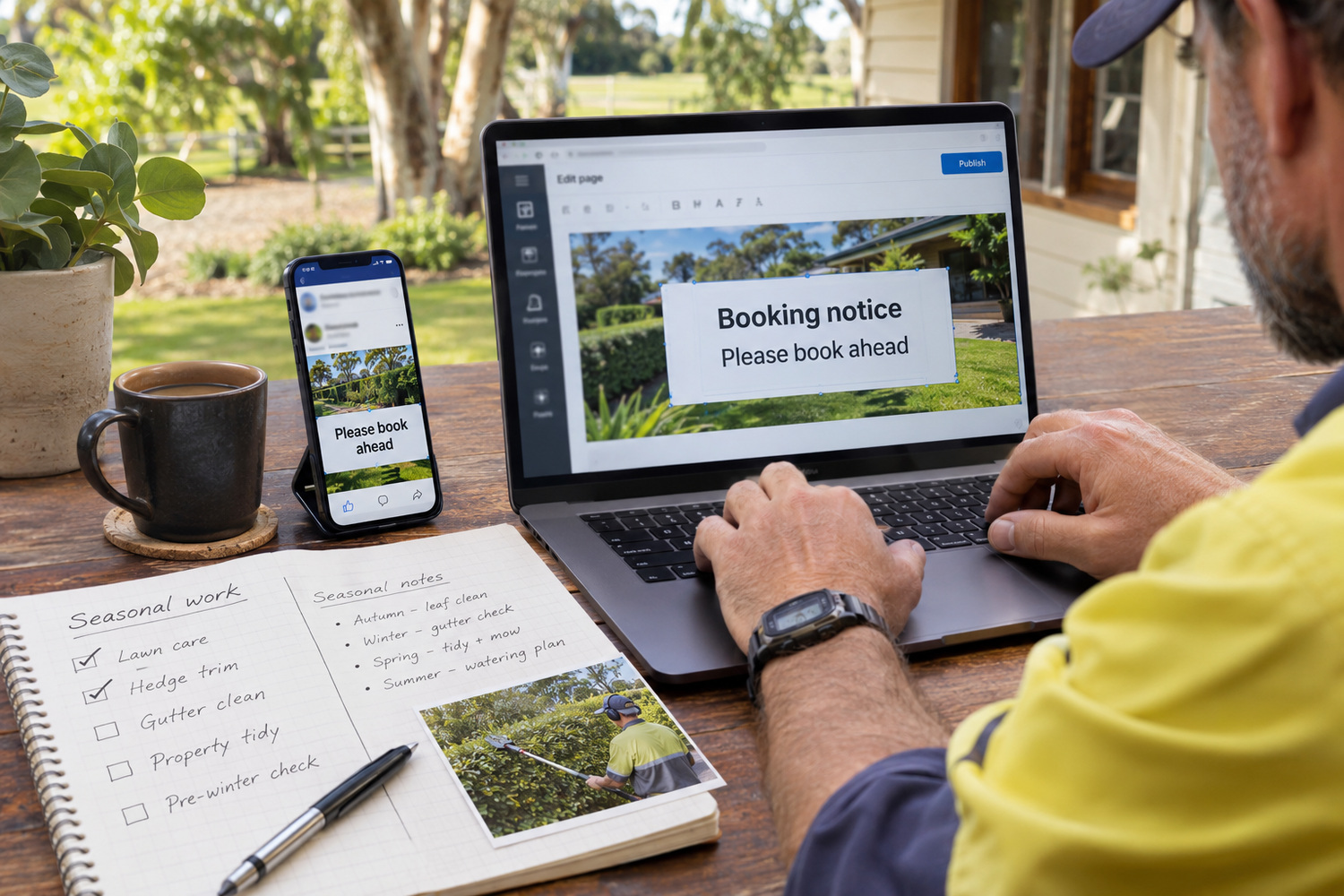
An absent owner relies on details that change. Those include how far ahead to book, any cut-off for work before your busiest weeks, and how access and reporting work. When one of those changes, change it on the website and your Google Business Profile on the same day. Opening hours need the same care, and keeping hours the same everywhere they appear saves an owner ringing when nobody will answer.
That only works if you can edit the site yourself. WordPress is a website system you log into and edit without waiting on a developer. A training session when the site is handed over is what makes that usable on a busy day.
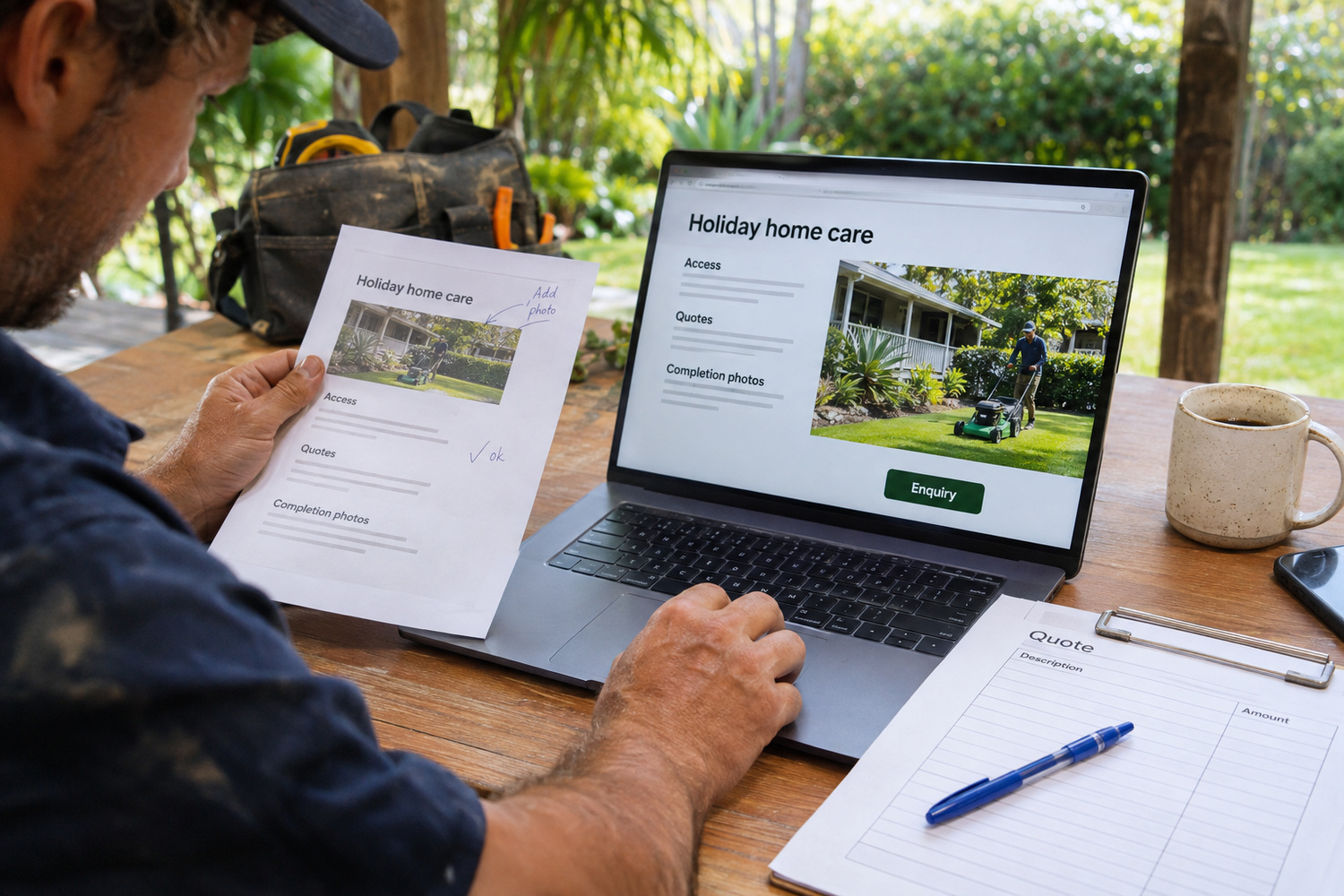
A useful first addition is one page you can send an owner before the first job. It covers how you get in, how you quote without a visit and what they receive when the work is done. Link it from your services page, and send the link with every quote.
Adding that page should not mean waiting on whoever built your site. If your current site will not let you add it yourself, talk to CJ Digital about website design and development.
Start with the owners you already have. Ask the last three who booked from a distance what they had to ring you to find out. Their answers are the first draft of that page.
Yes, with the owner’s permission. Frame each photo on the work itself, and crop out house numbers, street views and anything else that would let a stranger find the property.
If you hold them, yes. Owners want to know the system before they hand one over. Describe how keys are kept and labelled, and never list which properties they belong to.
For most trades, one page linked from the services page is enough. A second website for holiday-home work splits your effort and gives owners two versions of the same business.