






Web design for a Frankston trade business has to do one thing a shopfront site never has to. It has to sort the work by where it is. The customer never visits the premises. So the website is the only thing that can say which jobs get taken, and where.
What makes this catchment different is its shape, which is long rather than round. A job two suburbs north and a job an hour south are not the same job, even at the same price. The distance between them is often what decides whether the work is worth taking.
You might be a plumber, an electrician, a builder or a landscaper. You might be a mobile mechanic, a pest controller or a cleaner. You might run a small workshop or a yard off a side road. Most of you have a van or a ute and no front counter, so nobody ever sees where you are based.

A service area is the ground a business can work across at a sensible cost. It is not a list of every place the van would go for the right job.
Start by naming the core area plainly. These are the suburbs where an ordinary job is worth taking in an ordinary week. Write them out. A customer reading the site should be able to find their own suburb, or see that it is missing.
The edge of the area needs its own sentence. It is rarely a neat circle. Work heading south might stop in one place, and work heading north towards the city in another. The terms can change out there too. A larger minimum job, a booked visit instead of a call-out, or a longer wait are all honest answers.
The service area belongs where a customer sees it before they enquire. Buried in the footer, it is found after the decision rather than before it. The page describing the work is the right place for it.

A shopfront website confirms a place. A service-area website has to qualify a job. Four things carry that load, and distance changes every one of them.
A quote request on a service-area site has one job. It has to establish what the work is and where it is, before anyone drives anywhere. A form collecting a name and a phone number leaves both of those unknown. The wider question of why forms stop converting enquiries is covered separately.
Proof of work has to cover the whole area, not only the streets near the depot. A customer at the far end of the catchment wants to see work done at their end of it. A gallery of jobs close to home proves the trade, not the travel.
Credentials belong on the site. Licence, registration and insurance details are worth getting right. What to display is set out in why a tradie website can lose jobs even from strong referrals.
A promise about how fast somebody arrives cannot hold at both ends of a long catchment. Say what the timing is close in, then say what it becomes further out. One figure covering the whole area usually fails twice. It is too slow to win the near work, and too fast to keep at the far edge.
Order matters more than any of it. A customer arriving from a search wants two answers first. Do you do this kind of work, and do you come here. Everything else on the page is read after those two, if it is read at all. Some of these businesses also sell parts or materials alongside the labour, which is a separate question and not this one.
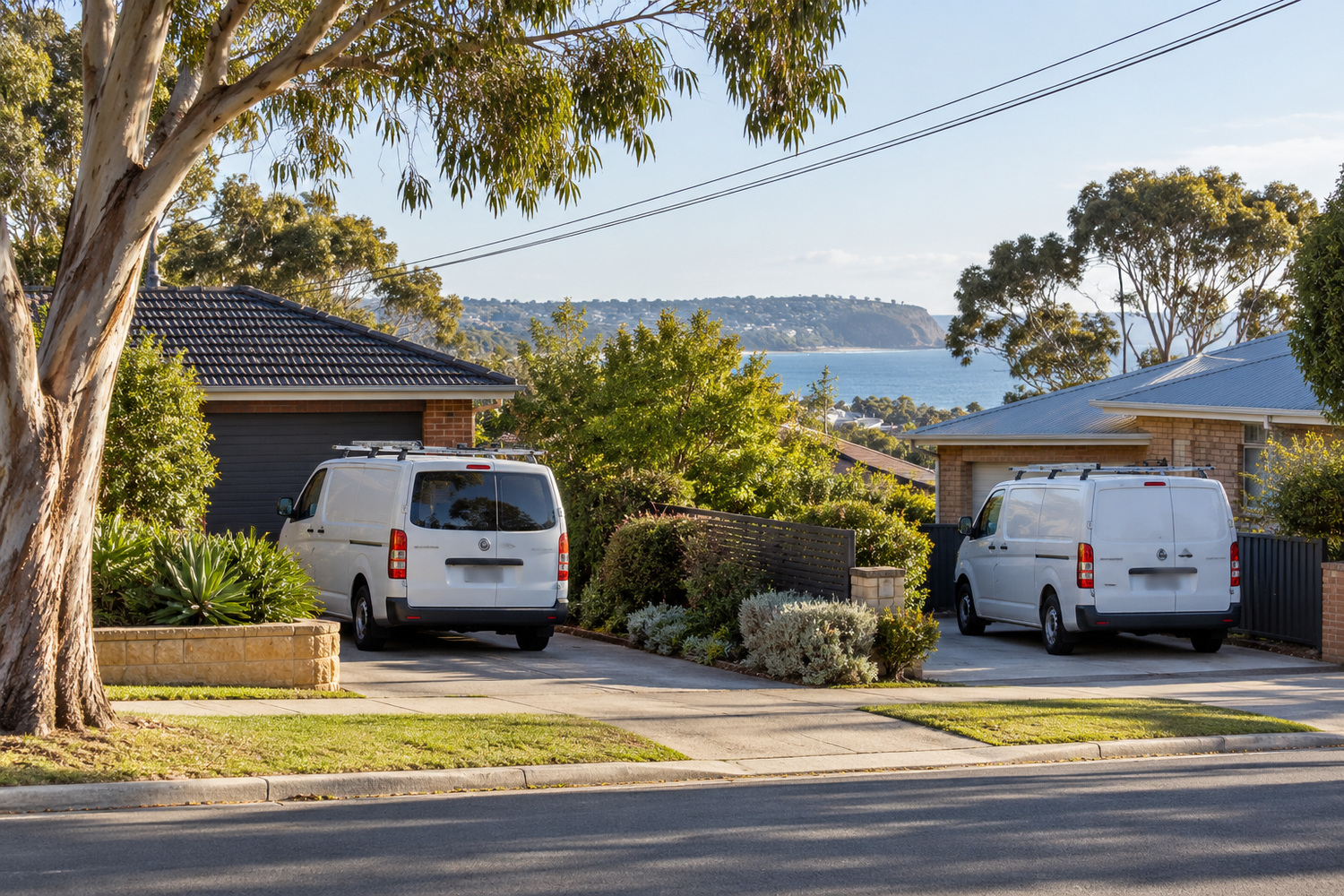
A business here is compared with two sets of rivals at once. One set reaches down from the metropolitan side. The other reaches up from the peninsula.
The roads make the overlap easy to see. The Nepean Highway carries traffic north towards the city. Peninsula Link carries it the other way, south. A business sitting where those two runs meet is in both markets, and so are its competitors.
Each rival tells a different story about being local. The operator from town says it covers the whole south east. The operator from further down says it is from around here. Both claims are partly true, and neither helps the customer choose.
The useful move is not to claim to be everywhere. It is to be exact about where the business is based and where it works. A customer can then tell where the business really sits, and whether their own job falls inside its patch. Being found across the peninsula and the bay suburbs comes from being specific, not from being broad.

A Google Business Profile is the free listing that shows a business in Google’s map results, with its hours, photos and reviews.
A business that visits customers rather than receiving them can run a profile without publishing a street address. Which setting to use, and what each one shows a customer, is covered in why a competitor keeps winning Google’s near me searches.
The part that matters for a business with no shopfront is agreement. On the profile, the service area is where the business tells customers it works. Naming a suburb there does not put the business in front of everyone who searches in it. The suburbs on the profile and the areas named on the website still have to match. A profile claiming twenty suburbs beside a site naming six gives the customer two answers.
The profile can name the zone, but it cannot explain the edge. Only the website can say what happens to a job at the far end. That is why the two are not interchangeable, and the rest of the setup is covered in local SEO for plumbers, electricians and builders.

Three things cost more than they return when the service area is wide. A separate page for every suburb is the first. The case either way is settled in why the suburb next door decides how easily customers find you. A footer listing thirty suburb names is the second, because it says nothing about whether a job there would be taken. A promise of same-day attendance that only holds near the depot is the third.
The page-per-suburb question carries a real distinction inside it. A page built on work done in that place, the access, the conditions and the jobs that come up there, earns its keep. A page with the suburb name swapped and nothing else changed does not. The test is whether somebody would learn anything from reading it.
One thing is worth building in from the start, because a service area moves. A business takes on a new suburb, drops one, or changes its call-out rule. The site has to change that day, from a phone, without booking a developer.
Ask for a site you can edit yourself. WordPress, which is a system you log into to change text and images yourself, is the common answer. A training session at handover is what makes it usable. CJ Digital’s web design page says the site is yours, with no lock-in contract. It also says you are free to host it or move it wherever you choose. Ask for the same from whoever builds yours.
Here is the check worth running this week. Write down the five suburbs you genuinely service. Then open your site on a phone and see whether it names any of them. Then read it the way a customer in the furthest one would, and work out whether they could tell their job would be taken.
The right number is the one you can still say yes to in a busy week. A short list brings the enquiries you want. A longer one brings calls you turn down.
No. A business that travels to its customers can keep the street address off and name the area it covers instead. What the site does need is a plain statement of where the business is based.
Ask where the work is before anything else. On a long catchment the place decides whether the drive is worth making. A form that settles that first tells you whether the job is yours, before anyone commits a morning to it.
Say yes with conditions rather than saying nothing at all. Name what changes out there, whether that is the minimum job, the notice needed or the day it can be done.