





A Google Ads click should open the page that answers the search the ad was shown for, and that page should repeat what the ad promised. For most service businesses, that is the page for that one job. It is rarely the home page, which leaves the person who clicked to go hunting for it. You pay for the click either way.
Say the monthly report shows plenty of clicks and the phone has stayed quiet. Before you blame the keywords or the budget, open the page each ad sends people to.
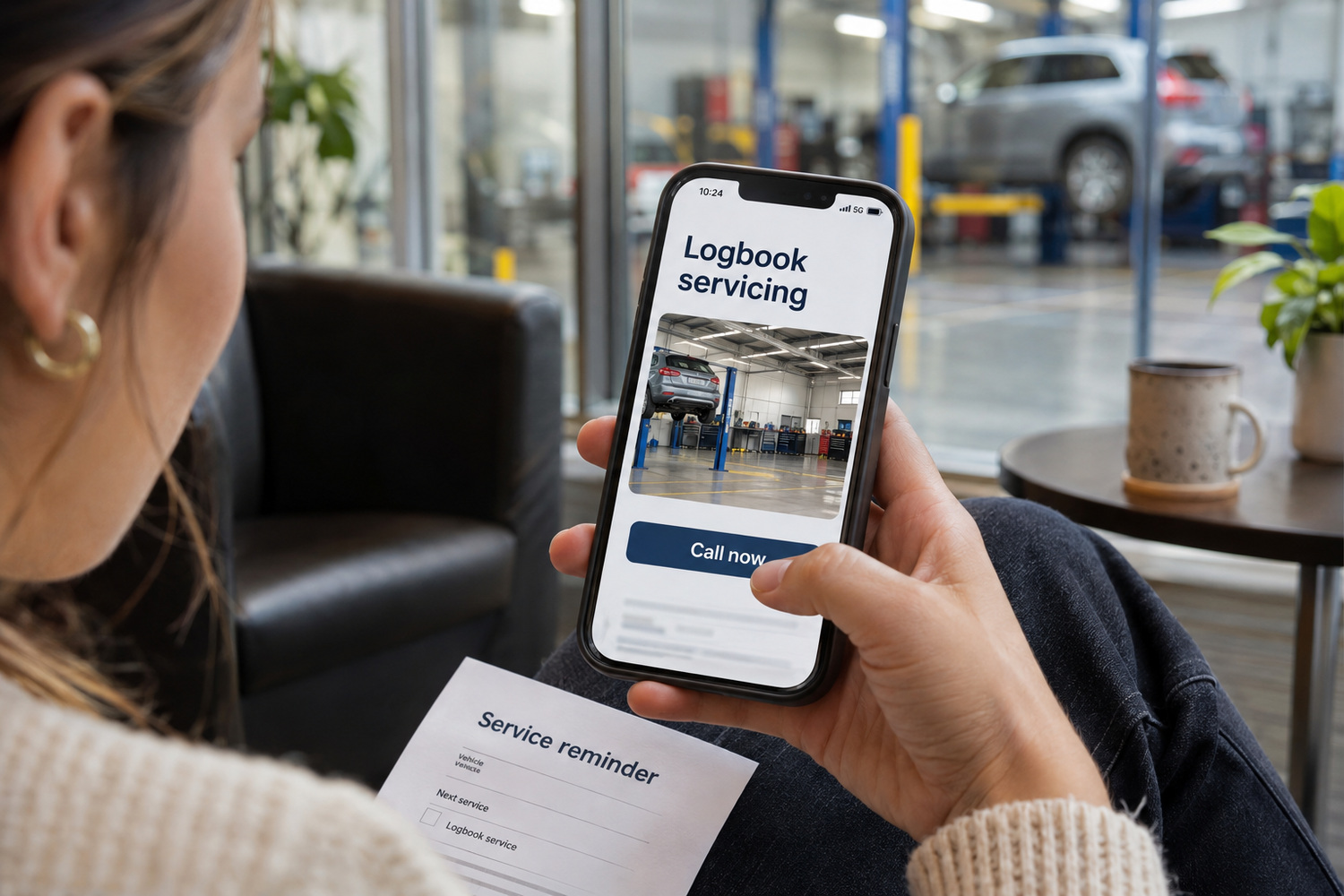
A landing page is the page a click opens. In a search campaign, someone types a job into Google, sees an ad that names it, taps it and expects to arrive on that job.
Each step makes a promise to the next. The search says what the person wants. The ad says you can do it. The page has to show it straight away, in the same words, with a way to act. When the page talks about something else, the chain breaks at the point where you have already paid.
Google rates landing pages too, and our article on which jobs are worth paying for sets out what that rating does and where it stops. The plainer reason to fix the page is the person who clicked. They wanted one job done, and the page is where they decide whether you can do it.

The home page becomes the destination by default. It exists, it is the address everyone knows, and nobody chose anything else when the campaign was set up.
It is written for everyone, so it leads with the business name and a general line. A person who searched for one job has to read, scroll or tap again before they can act. Some go back to the results and try the next business instead.
Picture a workshop ad for logbook servicing. The click opens a home page with the business name, a photo of the building and a long menu of services. Logbook servicing is in there somewhere, but the driver has to find it on a phone.
The home page is not always wrong. It is the right destination when the search is for your business by name, and it can work for a business that does only one thing.
There are three other usual causes. The ad was rewritten for a new offer or season, and the page it opens was not. A page was renamed or moved, so the ad opens an old address that shows an error or lands somewhere general. Either way, the click is wasted. Or one general page serves every ad in the account, so every different promise arrives in the same place.

The page an ad opens has to keep every promise the ad made, on the first screen of a phone, before any scrolling. Check it for these:
A Melbourne trade advertising across the eastern suburbs needs that suburb list on the page the ad opens, so someone in Box Hill or Ringwood sees their suburb named before they ring.

An existing service page is enough when it already does the job. It names the service, states the area you cover, has a call button near the top and says everything the ad says. Point the ad there.
A page built for the ad earns its place when the ad carries something your main site does not. That could be a seasonal offer, a set list of suburbs, a fixed-price package or one audience, such as fleet owners rather than private drivers. It also helps when the service page is long and written for research, while the person clicking the ad wants to act now.
The cost is upkeep. A separate page is one more page to keep accurate. An offer page left live after the offer ends is worse than none, because it promises something the business no longer offers.
This choice is only about which page one ad should open. Whether a workshop website needs a page for every service is a bigger decision, covered in its own article.
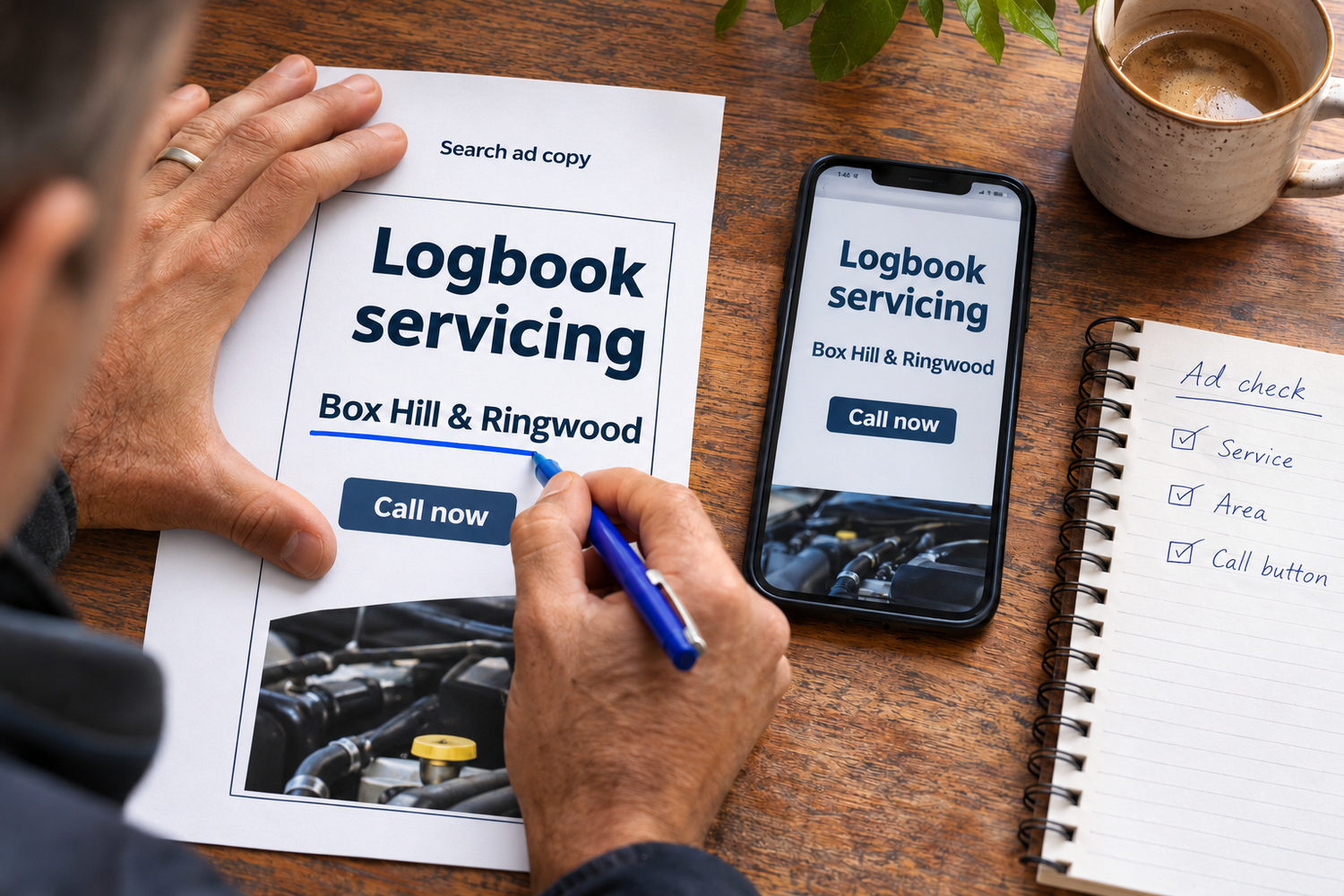
Open the ad’s text in your Google Ads account, or ask whoever runs the account for a copy. Then open its page on a phone and read only what shows before you scroll. Compare the two.
Each mismatch has two possible fixes. Change the page so it shows what the ad says, or change the ad so it promises only what the page shows. For the logbook ad, that means sending the click to a page whose first screen names logbook servicing, the area covered and a call button.
| What the ad says | What the first screen should show | Sign of a mismatch |
|---|---|---|
| The job, such as logbook servicing | A heading about that job | A heading with only the business name |
| A price, such as “fixed price” | The same wording or figure | No price, or a different one |
| A suburb or area | That area named | No area, or a different region |
| “Call now” | A phone number you can tap | The number only in the footer |
| An offer with an end date | The offer and its dates | An offer that has already ended |

If the test shows the right page was never built, there are three options, cheapest first.
The first is to point the ad at the closest page you have and rewrite the ad so it promises only what that page delivers. Each click then lands on a page that does what the ad says.
The second is to pause that ad until the page exists. Pausing costs nothing while the page is built, and it stops you paying for clicks into a page that does not offer the job the ad names.
The third is to build the page. That can be a full service page that also works in ordinary search, or a page made for the campaign. If you would rather not build it yourself, our website design team can take it on.
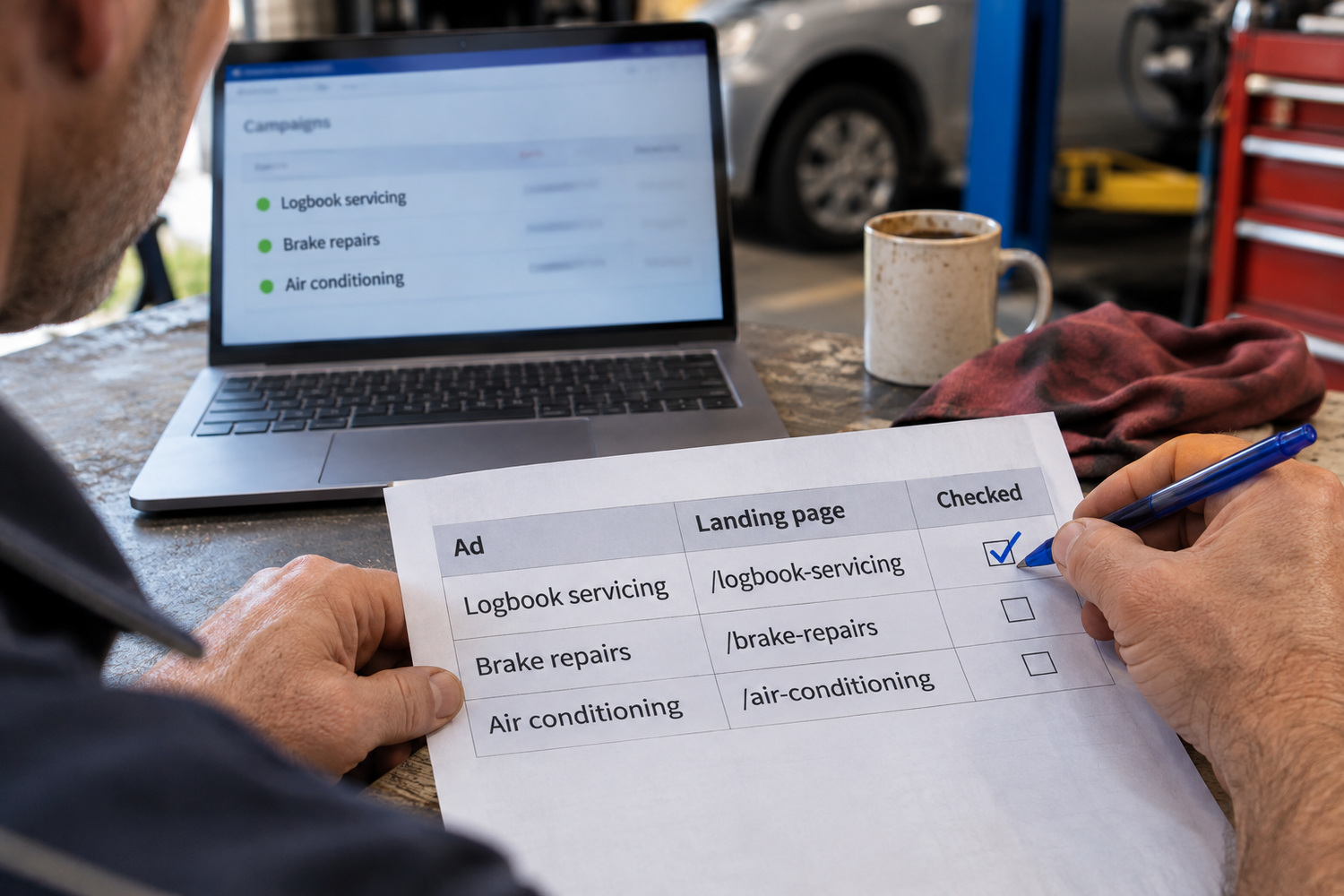
List every ad you have running. Beside each one, write the address of the page it opens and whether that page’s first screen passes the test above.
Whoever runs the account can change where an ad sends people. Whoever runs the website changes the page. Matching each ad to the right page is part of CJ Digital’s Google Ads management.
Start with the worst mismatch on your busiest ad, because every click on that ad is paid for.