



A Dandenong workshop website can serve private drivers and business buyers. A private driver may need a service for the family car. A business buyer may have work vans to keep moving and need to know whether the workshop takes them. Give each a clear route from the first screen, backed by the work you do and a way to enquire. One website can serve both.
The difference matters before either customer picks up the phone. A clear car-service booking link gives the private driver a starting point. It may tell the person buying for a business very little about vehicle types, work accepted or who will answer their enquiry. The page needs to make those answers easy to find.

Manufacturing businesses are part of the wider area’s business mix, from transport equipment to building products. For a workshop or trade supplier serving those businesses as well as the public, the website has two jobs. It must explain the offer to someone buying for themselves and to someone buying for work.
That does not mean every workshop takes fleets or every supplier welcomes walk-in retail customers. Start with your own work. If you service private cars and business vans, both buyers need a way in. If you take only one kind of enquiry, say so. A nearby industrial business is a possible customer, not proof that you serve a trade market.
Picture two enquiries. A driver compares workshops on a phone before booking their own car. A business buyer rings from a yard in Berwick about a van needed for work. These are hypothetical customers, with different questions. The driver needs a booking route; the business buyer first needs to establish whether the workshop accepts that van and that job.
The buyer’s location is a separate issue from the kind of work they need. Advice on serving customers across suburb boundaries covers that question. The same business can keep a private booking route clear while giving a business buyer the vehicle and job details they need.

Take a made-up workshop that services private cars and business vans. Its home page could offer two links: “Book a car service” and “Business and fleet enquiries”. Each opens the relevant information, rather than sending both readers to the same unexplained contact form.
The car-service page explains the work offered and how to request a booking. The business page names the vehicles and jobs accepted, then gives the enquiry route. If an enquiry is only a request, keep that distinction clear: clicking a button should not imply that a time has been confirmed.
Two audiences do not, by themselves, require a second website. Separate pages can sit on the same site and use the same contact team. A second site adds another set of information to maintain. First check whether the existing pages can do the job.
Use labels a customer recognises. “Business and fleet enquiries” may suit a workshop that takes that work. It would mislead at one that does not. “Valued customers” tells neither reader which link to choose. Match the label to the heading on the page it opens, then make the next step clear there.
Different customer mixes call for different choices, as discussed in designing for a High Street audience. Keep these two routes tied to work the workshop accepts; they do not need an invented service or separate department.

Before asking someone to call, make three practical answers easy to find:
Use plain language alongside a trade term where the distinction helps. A buyer who knows the job can check the detail, while a private driver can still understand the service. Do not list work simply because a competitor does it.
A named contact can help if that person handles the enquiry. A small workshop may instead have the same person answering every call. Publish the arrangement you have, including any hours that affect how an enquiry is handled, rather than implying a separate fleet desk.
Give the buyer a contact for approval, account or invoicing questions. There is no need to publish detailed policies on the first page, but do not imply credit or a scheduling arrangement the business has not agreed to offer. If a recommendation brought the buyer to the site, supporting a referral on the website deals with the evidence needed to back it up.

A trade buyer may need to check stock or fit before driving to a counter. Give them a way to do that, using the arrangements the business can maintain.
If the counter closes at three on a Friday, say so. That is an example of useful detail, not a suggested opening time. Likewise, a part may need to be matched to a model or build date. Ask for the information your staff need rather than promising that every part fits.
If availability needs checking, say how to get confirmation before travelling. Describe stock as available only when the business can support the claim, and leave out delivery promises it cannot meet.
A phone or monitored form can provide the stock-check route. Publish the method staff use and the information they need from the buyer. If buyers also need to know which areas you serve, when a separate location page earns its place addresses that location question. Keep the stock-check route easy to find beside the product information.
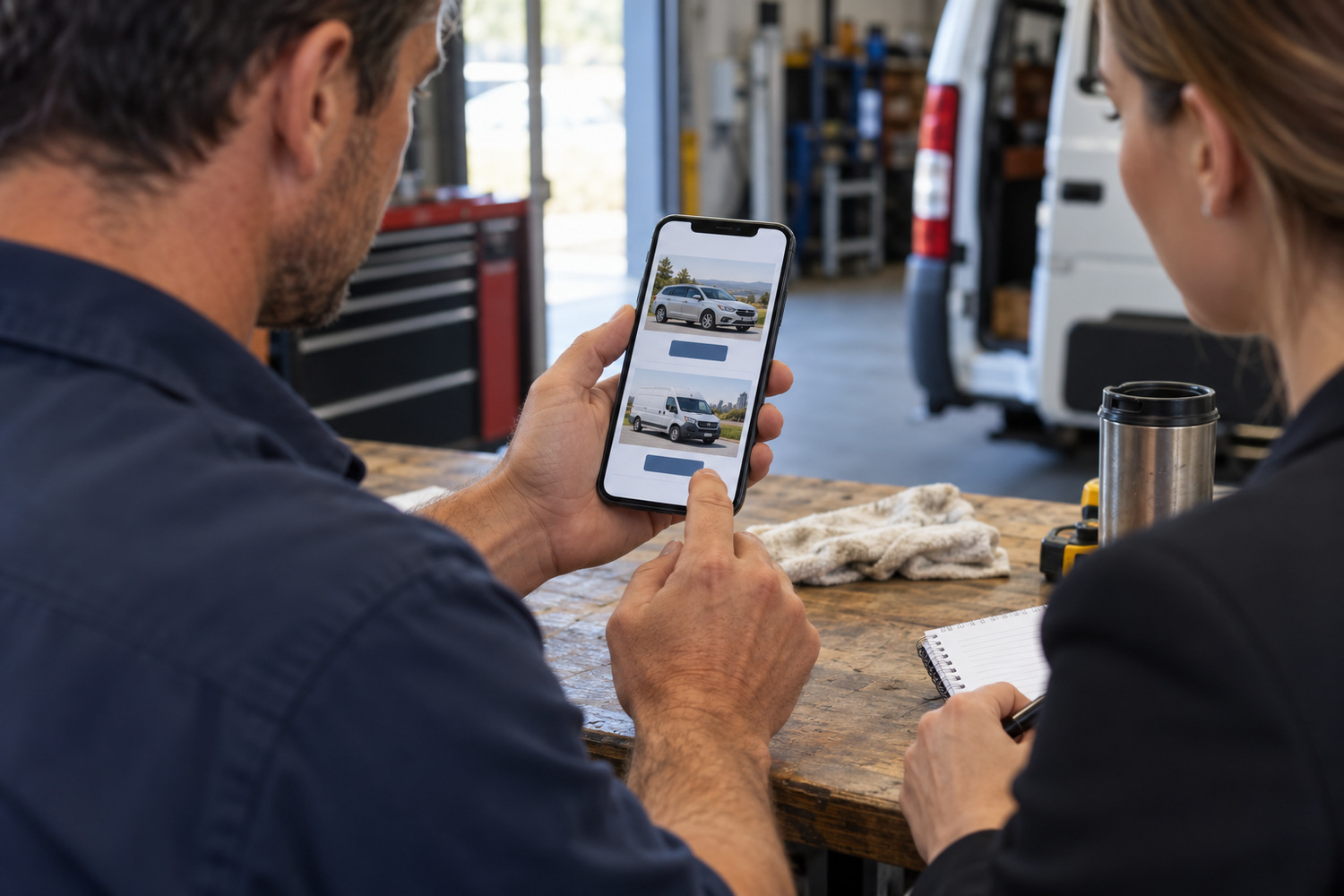
Open the home page on a phone and follow each route as a customer. Can the private driver find how to request a booking? Can the business buyer find the accepted work, vehicles and contact? Correct the first missing answer, then follow the route again.
“Contact us” can remain useful when the surrounding information explains what happens next. Where it leaves both readers guessing, add the labels and detail that match your business. Keep one route if you serve one audience; keep a shared contact if the same person answers both.
For phone and form problems, see making workshop contact easier. Check the two buyer journeys before changing colours, adding pages or commissioning another site. A clearer route gives people a next step; it cannot promise more enquiries.
Make sure you can keep that information current. CJ Digital’s published page on website design for Melbourne businesses describes a site whose text, prices and photos an owner can update. Ask what you will be able to change before a build starts. Then use the questions coming through your own phone and inbox to check the wording. If someone still asks whether you take vans, look for that answer on the page they used.
No, these two audiences alone do not require separate sites. A labelled page for each reader can sit inside the site you already have. A second site would add another set of pages to maintain.
Give the main audience a clear starting point and keep the other route easy to find. Base the order on the work you take and check both paths on a phone; there is no universal order.
Say so plainly and publish the route that matches it. A clear limit lets someone check whether the business takes their work before they send an enquiry.
Yes, if it gathers enough information for the person answering to distinguish the enquiry. A question about private or business work may help; conditional follow-up fields are an option, rather than a requirement.