




A new web page can only show up on Google once Google has found it, crawled it (read it) and added it to its index. If your new page is missing, it may still be waiting at one of those steps, or something on your site may be keeping it out. It may also be indexed but not ranking for the words you typed, which is a different problem.
Say a workshop in Melbourne’s east adds a page for its air conditioning regas service. Nobody adds it to the menu or links to it from another page. A week later, the owner searches for it and finds nothing.

A page is indexed when Google has stored it and can show it in search results. Ranking is where that page then appears for a particular search. The two problems need different fixes.
A page that is not indexed cannot appear for any search at all. A page that is indexed can still sit on page five for the words you care about, and that is a ranking question. Our guide to why your business website isn’t ranking covers that side. Getting the page into the index comes first, because nothing else can help a page Google has not stored.
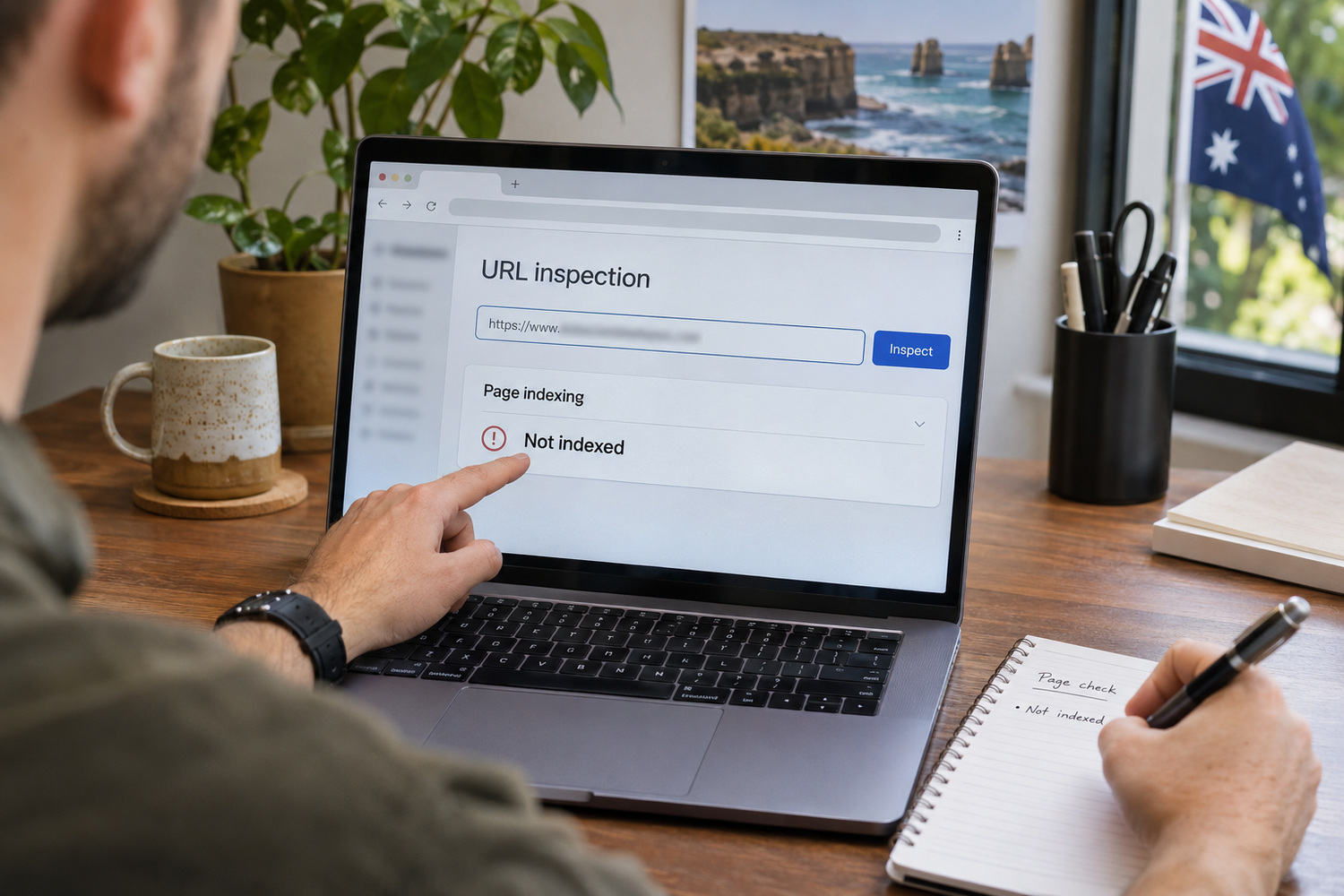
Searching for the page’s title is not a reliable test. Google’s URL Inspection help explains that an indexed page is eligible for search results, but its appearance is not guaranteed. A page can be in the index and still not appear for the search you happened to type.
The proper check is Google Search Console, Google’s own tool for website owners. You need to be signed in to Search Console for your own website. Not sure who controls that account? Our piece on who owns your website when the agency relationship ends lists Search Console among the access you should hold.
Once you are in:
The result describes what Google last recorded, rather than testing the page as it is now. If you have fixed something since then, use Test live URL to check the current page. A successful live test does not guarantee indexing.
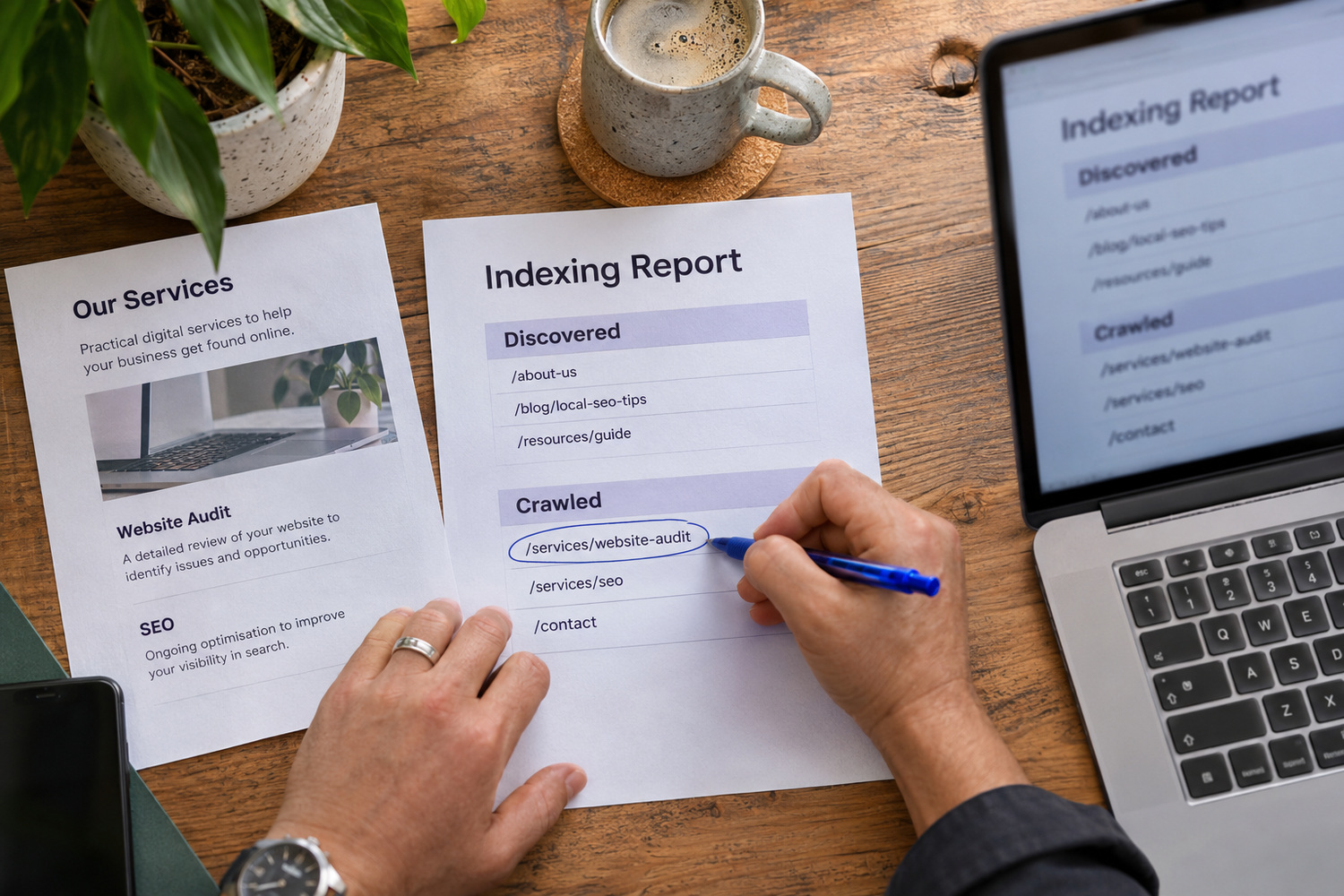
Two labels mean Google knows about the page but has not indexed it. Google’s Page Indexing help, checked in November 2026, distinguishes them as follows.
The first status is a crawl still to happen; the second is a page already read.
| Label | Meaning | Next check |
|---|---|---|
| Discovered – currently not indexed | Google knows the address but has not read the page | Confirm that the page loads and is linked from your site |
| Crawled – currently not indexed | Google has read the page but has not included it | For an important page, inspect the address for problems |
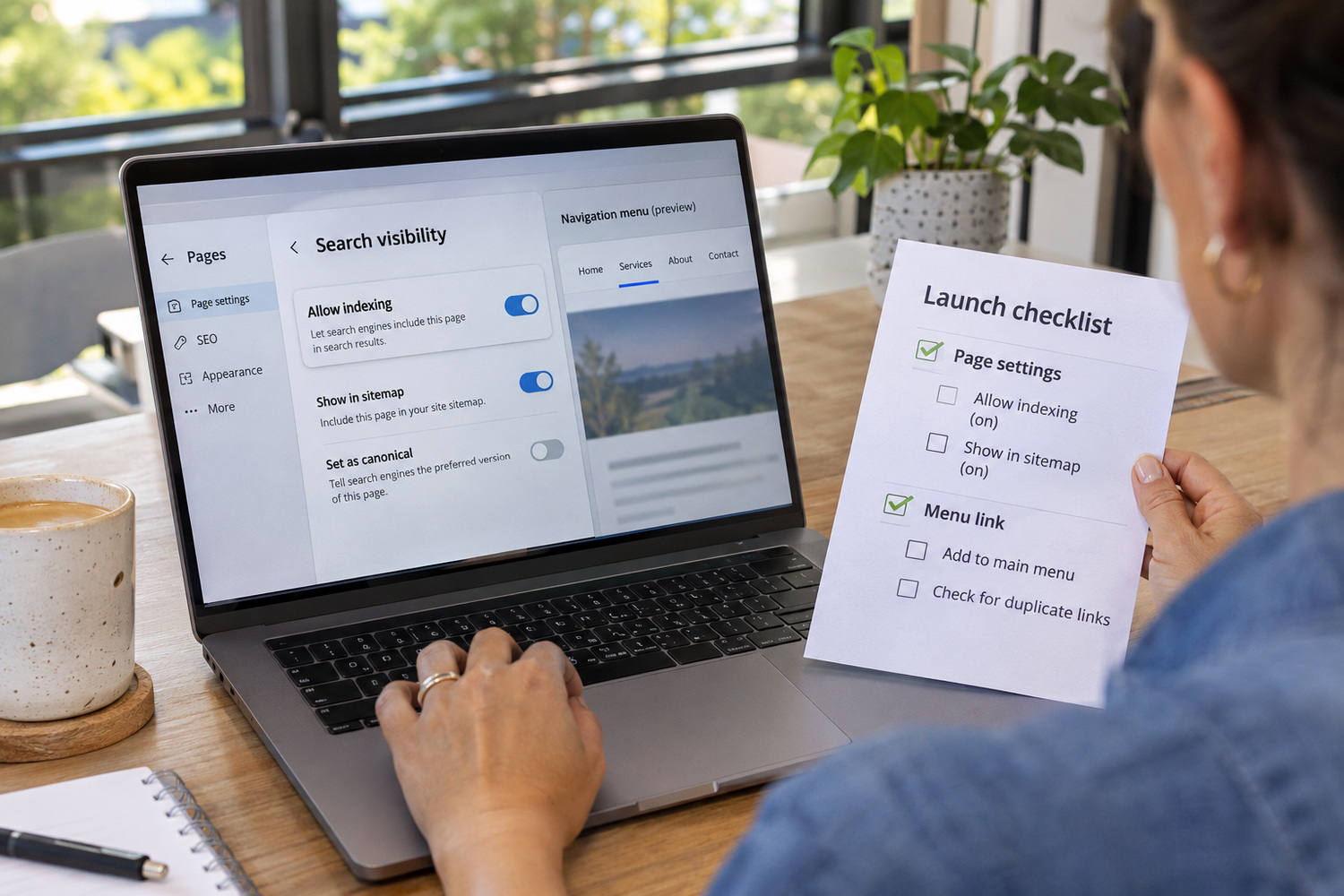
Google’s Page Indexing help also lists reasons a page is kept out of the index. On a small business website, these four are the ones an owner can check:
A page that nothing else on the site links to is a different problem. In the workshop example, the regas page exists, but no menu item or other page points to it. Customers cannot reach it from the site either. If the new page has no incoming link, add one from the menu or a related service page so visitors and crawlers can reach it. Whether that service deserves its own page at all is a separate decision. Our guide to which jobs deserve their own page covers it.
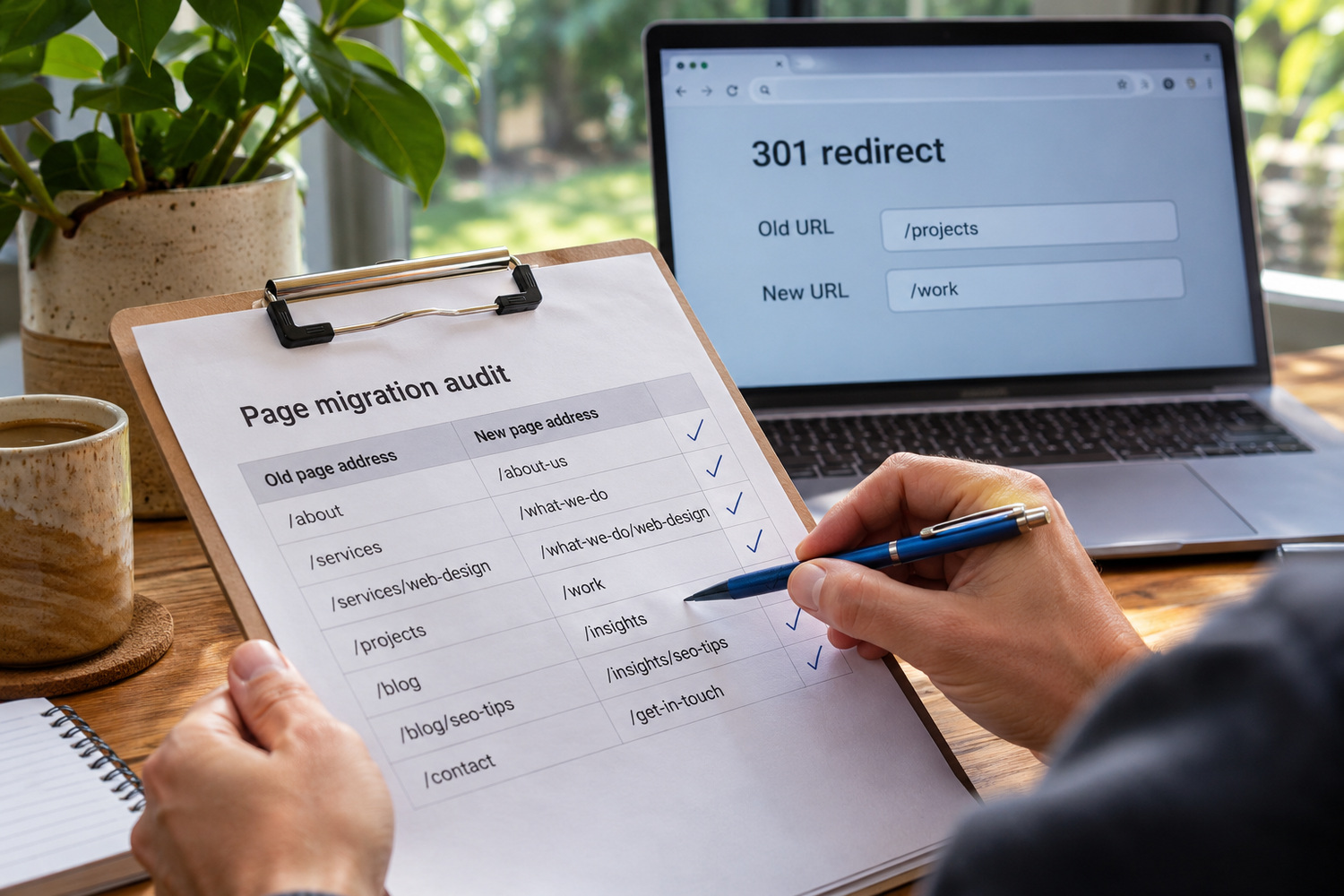
A page that changed address in a website rebuild, with no redirect left behind, can leave Google holding an old address that leads nowhere. Google’s site-move guidance includes three steps that matter here. Send each old address to its new one with a server-side 301 redirect, update internal links, and create a new sitemap. If the missing page changed address in a recent rebuild, check that the old address redirects to the new one. Our guide on how to rebuild your website without losing your Google rankings covers the full process.
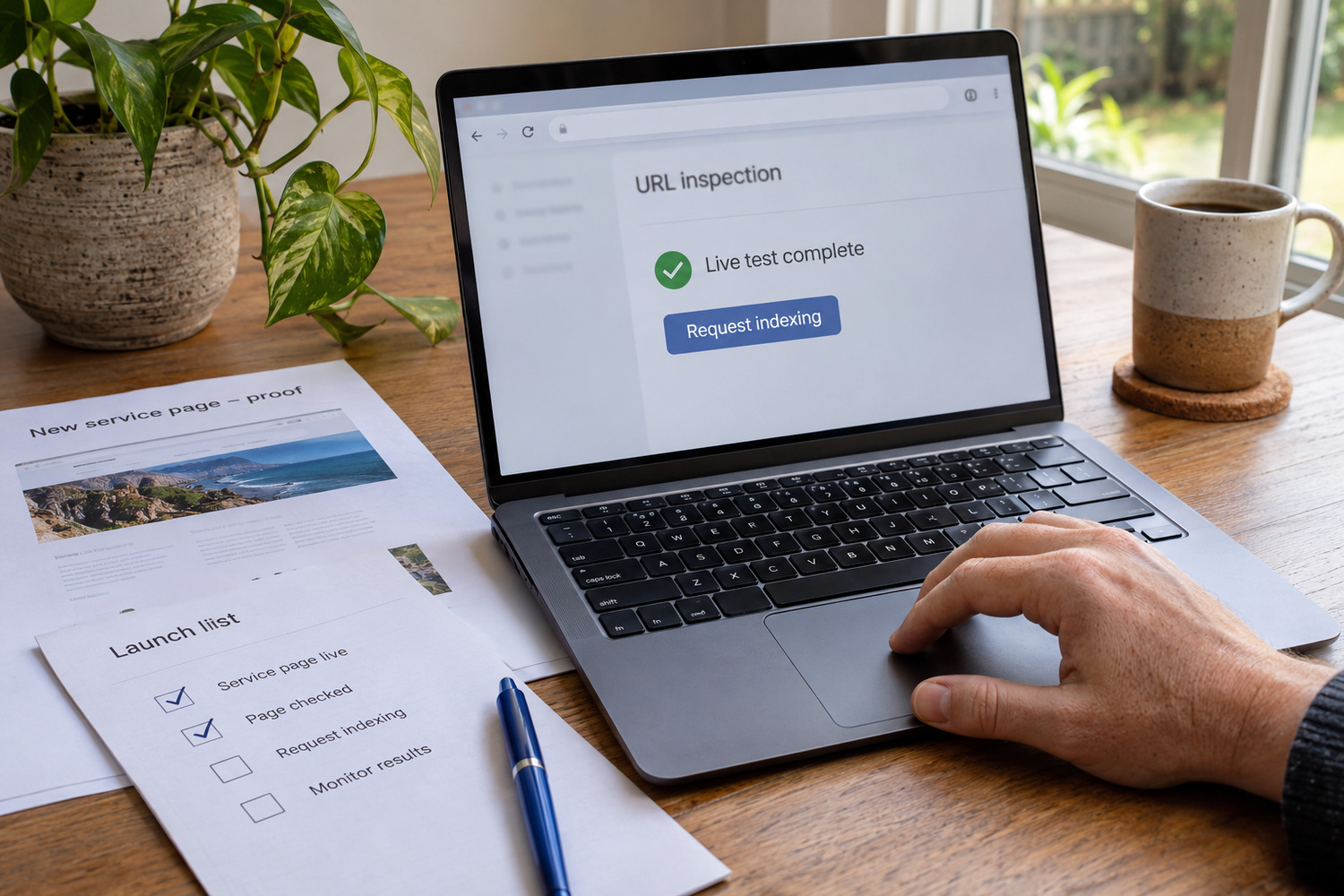
URL Inspection lets you request indexing after checking the page and fixing any problems. A request asks Google to consider the page; it does not buy inclusion or guarantee a result.
Services that charge to “submit your site to Google” are selling something Google does not sell. Google’s guidance on hiring an SEO states that “Google never accepts money to include or rank sites in our search results”.

Google’s SEO starter guide talks about timing for website changes in general: “Some changes might take effect in a few hours, others could take several months.” It adds that you likely want to wait a few weeks to judge whether your work had an effect.
That is guidance about changes in general, not a promise about indexing. In practice, give a new page a few weeks before asking for help, and use that time to work through the checks below.

Work through these in order. Each one narrows down the cause, and most are things you can fix yourself.
If all four are fine and the page is still out after a few weeks, bring in a developer. They can check robots.txt rules, duplicate versions of the page and redirects. Some of CJ Digital’s website support packages include on-site SEO set-up for new content, covering things like internal linking and metadata. No one can promise that Google will index a page, so treat any offer that guarantees it with care.
Yes. Being in Google’s index makes a page eligible to appear, but where it appears for a given search is a ranking question.
No. Google does not take payment to put a site in its results, so a fee for submission buys nothing extra.