

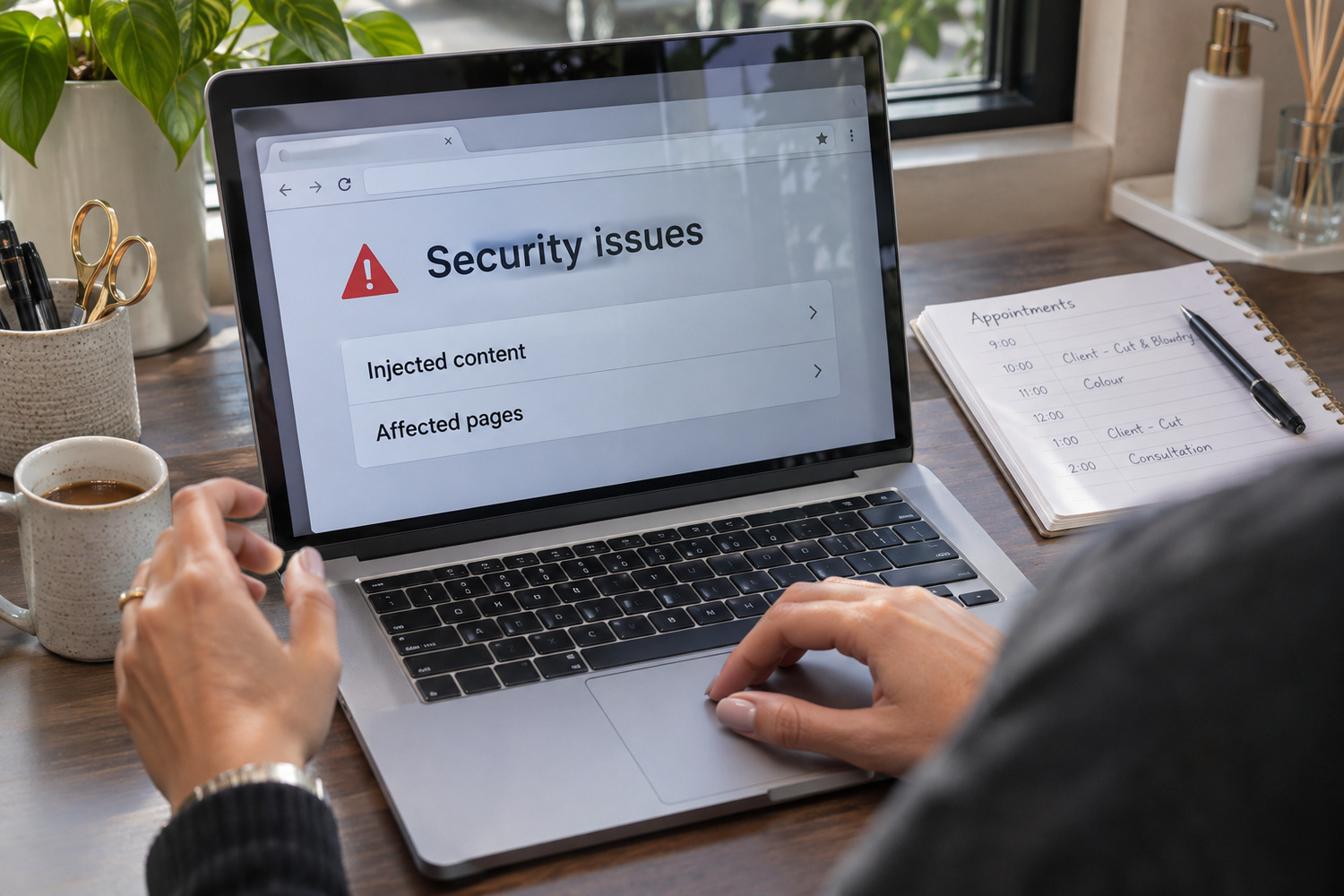
If your business website has been hacked, call your host, change the passwords and check the Security Issues report in Google Search Console. Close the way in before you clean the site, because a clean site with the same weakness can be hacked again. When every affected page is fixed, ask Google to review the site from that report.
Say a Melbourne workshop’s online booking page starts showing pharmacy ads and links nobody in the business wrote. Google’s help describes that kind of injected spam, and the steps below apply to it.
Google defines hacked content as anything placed on your site without your permission through a security weakness. The signs its help pages describe include:
You may not see the problem yourself. Google notes that hackers can hide spam from the owner and show it only to people arriving from Google. Browser warnings can also be hard to reproduce.
So Google tells owners to treat the Security Issues report as the source of truth. If there is a problem, the report shows how many issues there are. Each issue lists sample pages and the date it was first detected, and the sample may leave pages out. If there is no problem, you see a green tick.

The first hour is about limiting the damage and keeping the evidence. None of these steps needs a developer.
If that is beyond you, Google’s advice is to find someone who can help.

Google’s help gives two ways to clean a hacked site. You can replace the affected files with the last good backup. Or you can remove the spam and the files that created it.
A backup puts the files back as they were on the day it was taken. If that copy holds the out-of-date plugin, open folder or weak password that let the attacker in, the weakness comes back too. The site looks clean while the way in is still open.
The word ‘good’ matters as well. A backup taken after the break-in may already hold the hacked files. Google also notes that a site can carry more than one type of malware. Restore the last copy from before the trouble started, and only once the way in is closed. Then update everything on the site straight away.
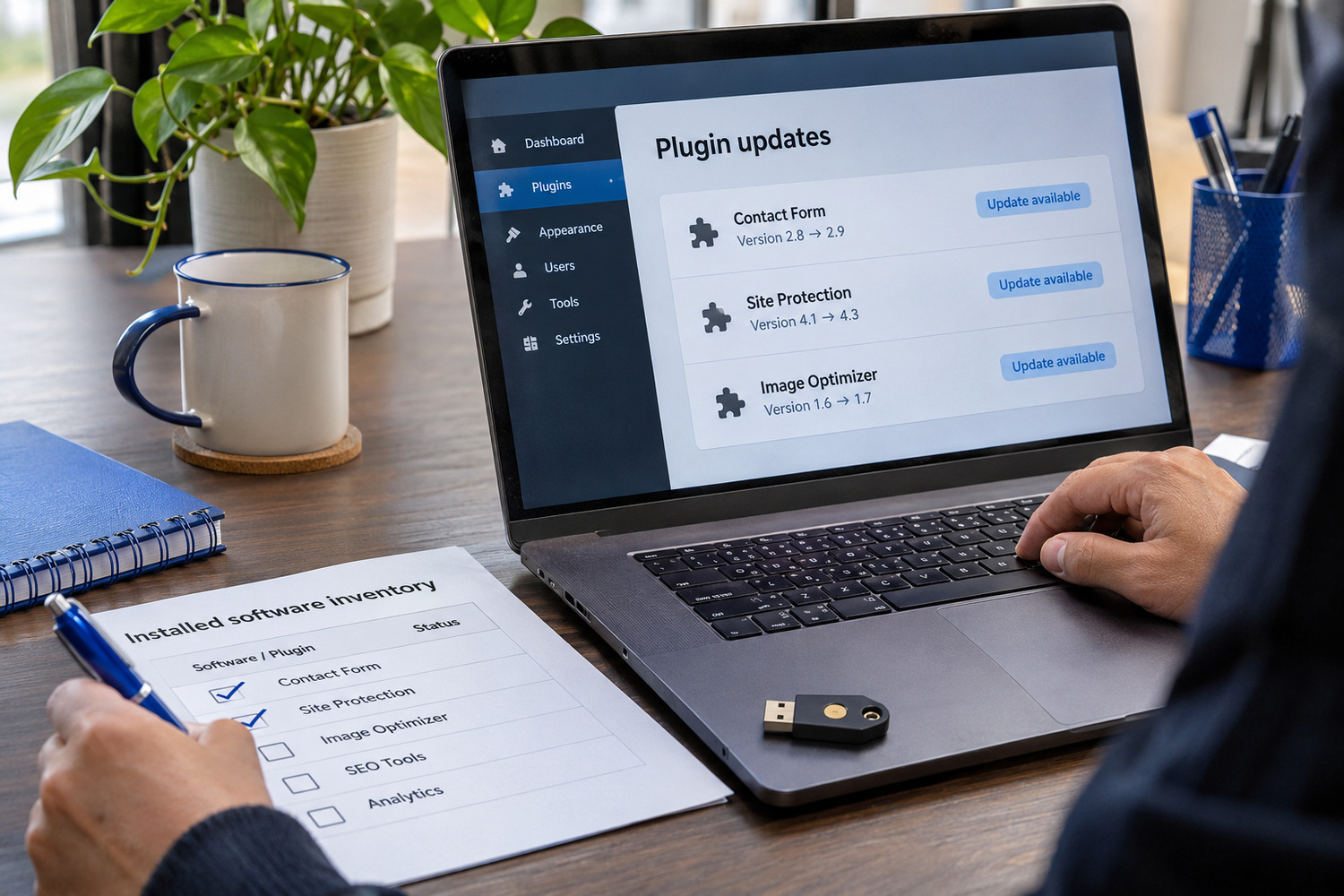
Google’s help names several ways in, and it does not rank them.
Out-of-date software is one. Google’s example is an older, insecure version of WordPress, Drupal or Joomla. It also warns about a blog or forum someone installed and then forgot.
A plugin is another. Plugins are the add-ons that give a site extra features, and Google’s example of a hacked one is a visitor counter. Its checklist says to use third-party apps and ads only from trusted, legitimate sources.
A folder left open on the server can let them in. Google compares a folder with open permissions to leaving your front door wide open.
Passwords and the server itself matter too. Google’s checklist starts with choosing good passwords. It also warns that an up-to-date site can still be exposed if the host has not installed the latest operating system patches.
If your site runs on WordPress, our piece on what you’re choosing when your web agency recommends WordPress covers the platform side.
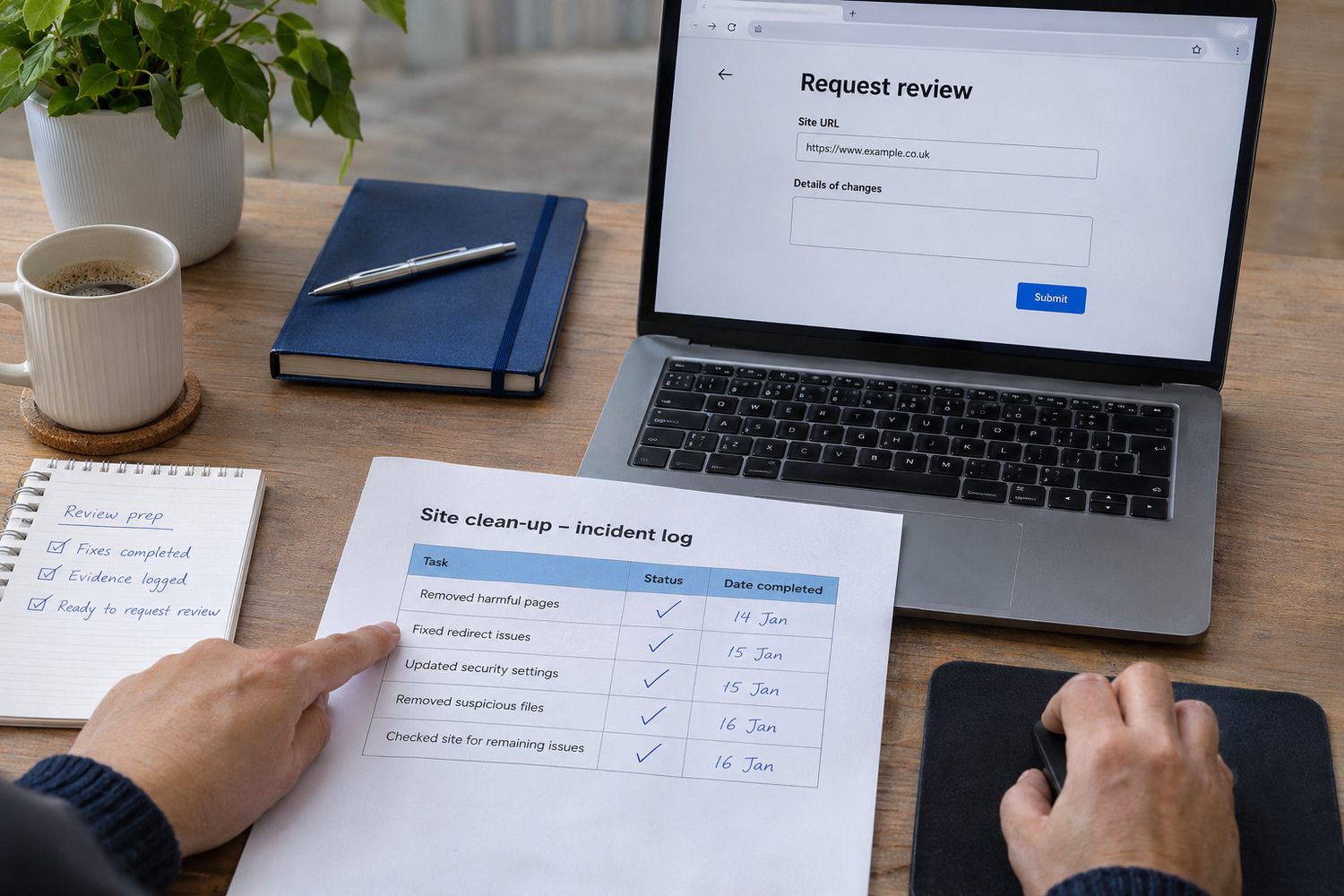
Cleaning means removing everything the attacker added. That covers spam pages, injected links and code, unknown downloads and the files that created them. It also means updating or replacing the software that let them in.
Google is clear about how thorough this must be. Fix every issue in the report, across the whole site, including pages missing from its sample. Fixing only some pages will not earn a partial return to search results. Then test your fixes.
This is the step where you may need help. If the hack comes back after a clean, the way in is probably still open. That is the point to bring in a developer or security specialist.
When everything is fixed, select Request Review in the Security Issues report. Google asks that the request explain the exact problem, describe the steps you took and document the result. Your notes from the first hour help here.
A review can take from a few days to a few weeks. Google emails when it receives the request and again when the review is done. Do not send a second request while one is waiting. Google warns that asking before the problem is fixed can slow the next review, or get the site marked as a repeat offender.

While the site was hacked, customers may have seen a warning in Google or the browser. Some may have landed on spam pages, or followed a booking link that went somewhere else. Some may ring to ask.
Keep the message short and plain. Say the website had a problem and that it is fixed or being fixed. Tell people how to book or call in the meantime. Put it in a short note on the home page, and reply to anyone who asked. Don’t guess at what happened until the site has been checked.
If your forms or bookings collected names, phone numbers or other personal details, there are separate privacy questions to work through. Our post on the privacy rules that now apply to your business website covers them.
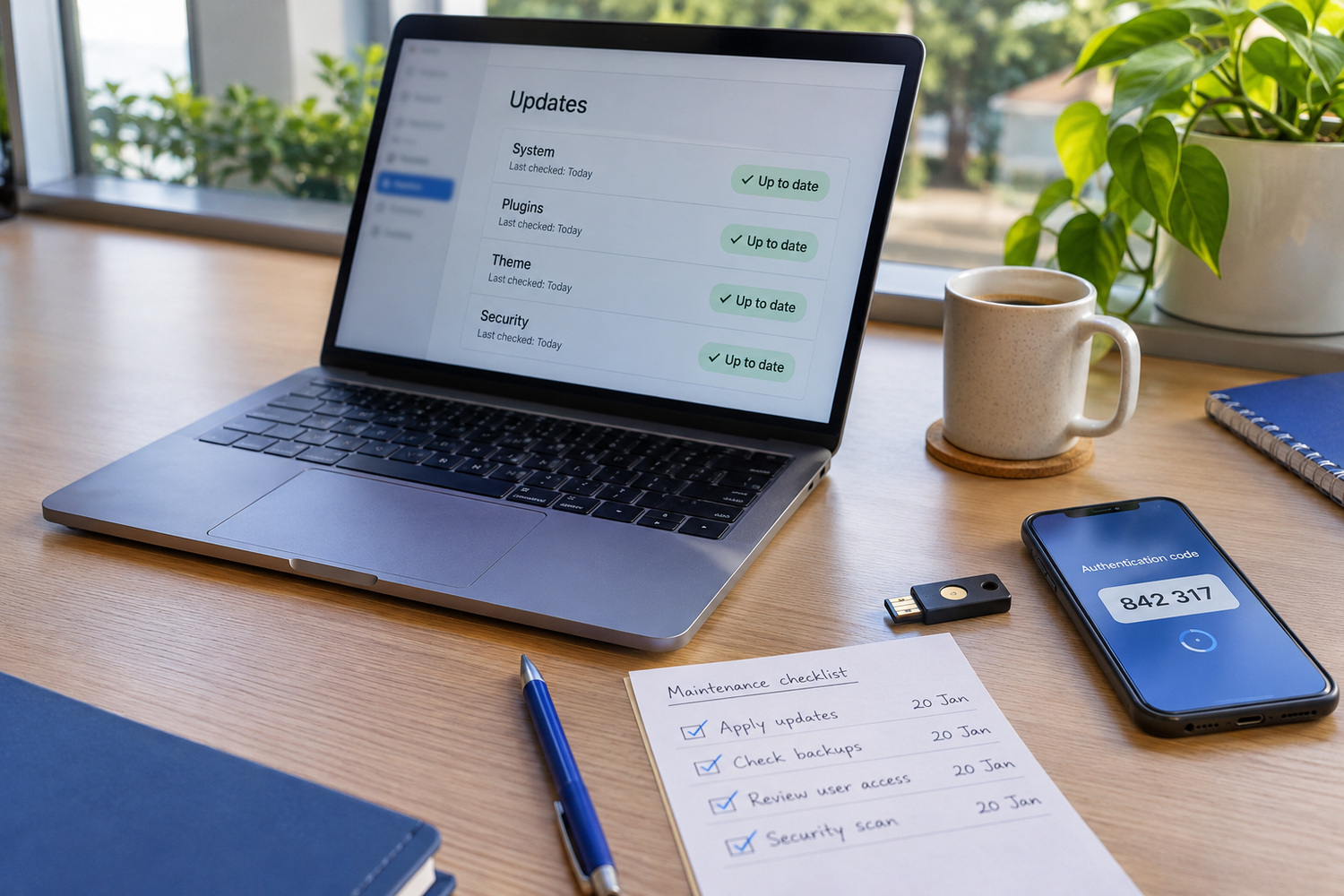
Google’s prevention checklist for site owners is short. In plain terms:
That upkeep is an ongoing job. Our guide to what a website costs after launch shows where it sits in your running costs.
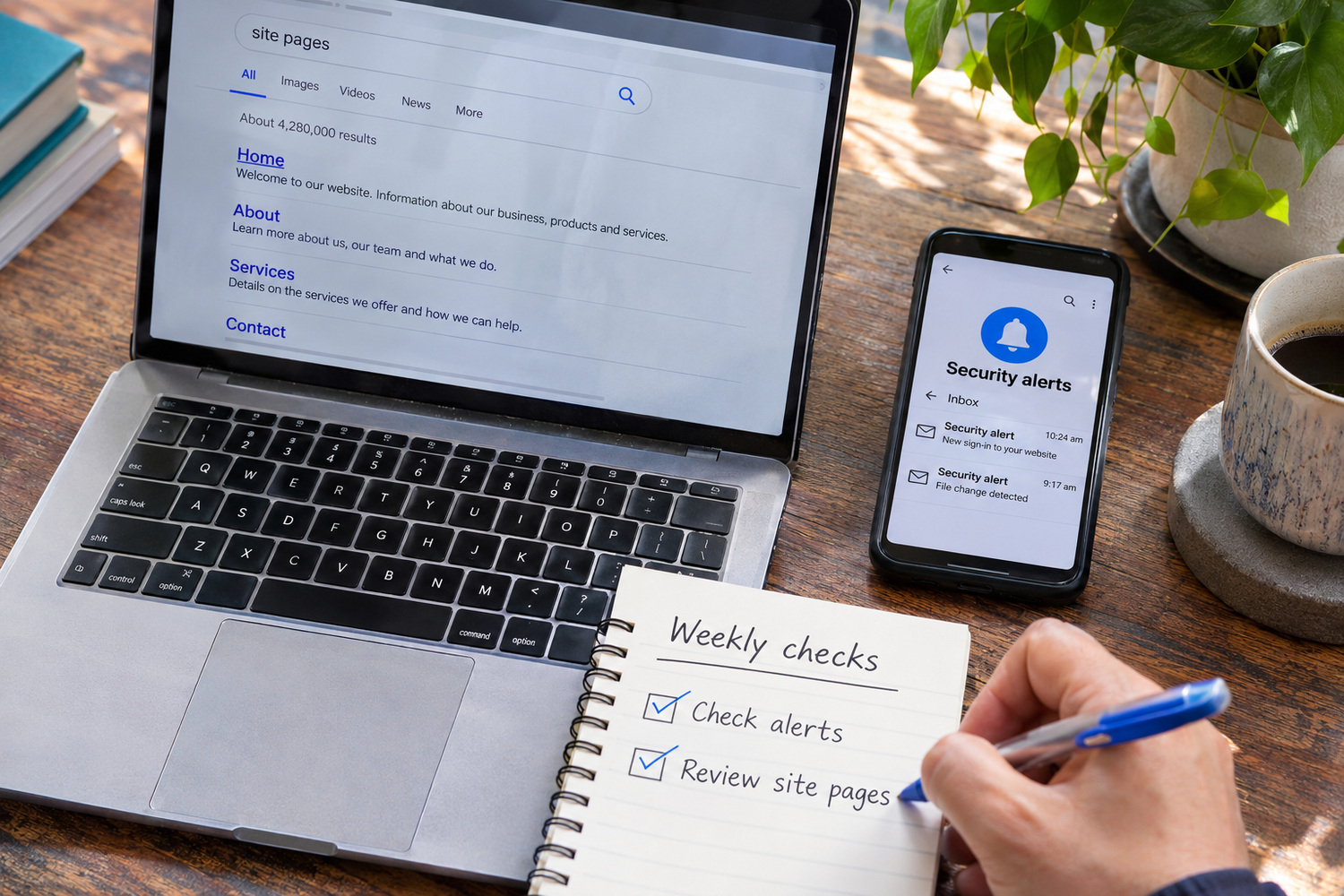
Two quick checks show how fast you would hear about a hack. Neither needs a developer.
Then ask whoever hosts your site where the backups are kept, how often they run and how you request a restore. Get the answers in writing. If you want something to compare against, CJ Digital’s website hosting page sets out the backup schedule for each plan.