





An SEO agency needs to see your accounts, and later to change a few things in them. It never needs to own them. Google’s advice to owners hiring SEO help is to start with read access to Search Console and hold back write access. Give each person their own login at the lowest level the current job needs, and keep the top role inside your business.
Say a Melbourne workshop owner on a busy main road signs with a new agency. The welcome email asks for admin access to everything. That is far more than the first month of work needs.

Access requests usually cover some or all of five accounts. Each does a different job, so each needs its own answer.
SEO work with no ads attached needs no Google Ads access at all. If an agency asks for it anyway, ask what they plan to do there.
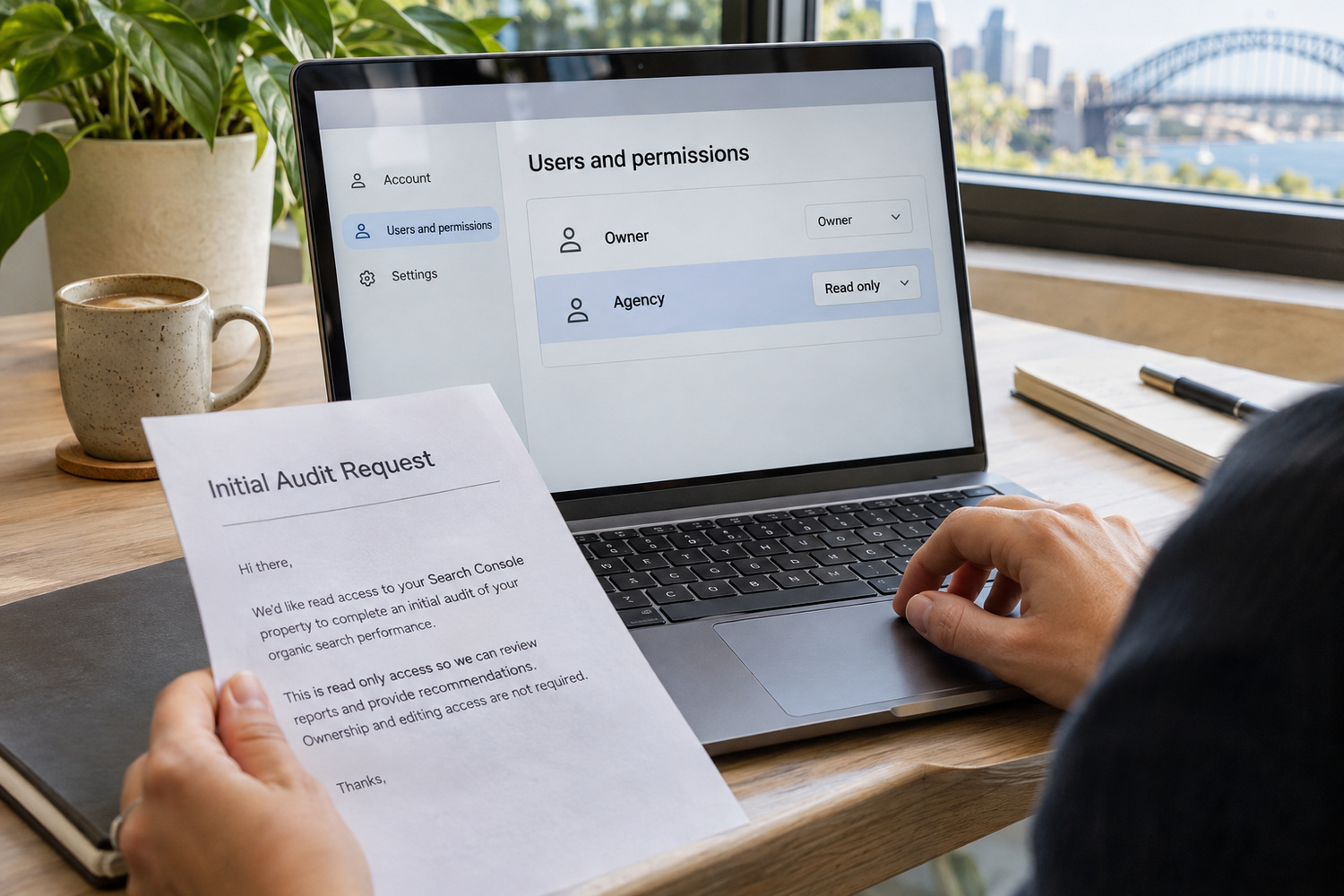
Google’s page on hiring an SEO, last updated in June 2026, gives owners a plain instruction for the early stage: “only grant read access to Search Console (at this stage, don’t grant them write access)”.
Read access lets someone look. They can open the reports and find the pages that have problems, which is most of what an audit needs. Write access lets them change things as well as look. An audit does not need that.
Search Console has more than one level for the users you add. Pick the one that lets the agency view reports without changing settings, and check Google’s description of it in Search Console Help before you save. The levels, and who is allowed to add users, are covered in our piece on whether to hire an SEO specialist or an SEO agency.

A first audit needs very little access. It can grow one account at a time, once you have agreed in writing what the agency will change.
Every row follows the same rule. Looking comes first, changing comes when there is a job to do, and the role that controls who else gets in never leaves the business. Ads has its own set of levels, and it is worth knowing what each one allows before you hand over a Google Ads account.
| Account | For an audit | Once the work starts | What stays with you |
|---|---|---|---|
| Search Console | Read access only | More only when they need to make changes in Search Console | The owner role |
| Google Analytics | Viewing access to read reports | Editing only if they are changing tracking | The top role on the account |
| Google Business Profile | Often none, as much can be checked from the public listing | Their own Google login, added below you | Ownership of the profile |
| Website admin | None, as public pages are open to anyone | Their own named user, at the lowest level the work needs | Your own administrator account |
| Google Ads | None for SEO-only work | Viewing access only if they need paid search data | The top role on the account |

Whoever holds the top role on an account decides who else gets in and who gets removed. So that role should sit with someone who works for your business, with the agency added underneath on its own login.
Take a workshop owner who finds that a previous agency set up the Business Profile under the agency’s own Google login. The listing works, but the business cannot add or remove anyone from it. The fix starts with asking the agency to add the owner’s own Google Account as an owner, and then to hand over the top role. Google’s rules for agencies that manage a profile are covered in our piece on whether to run your own Google Business Profile.
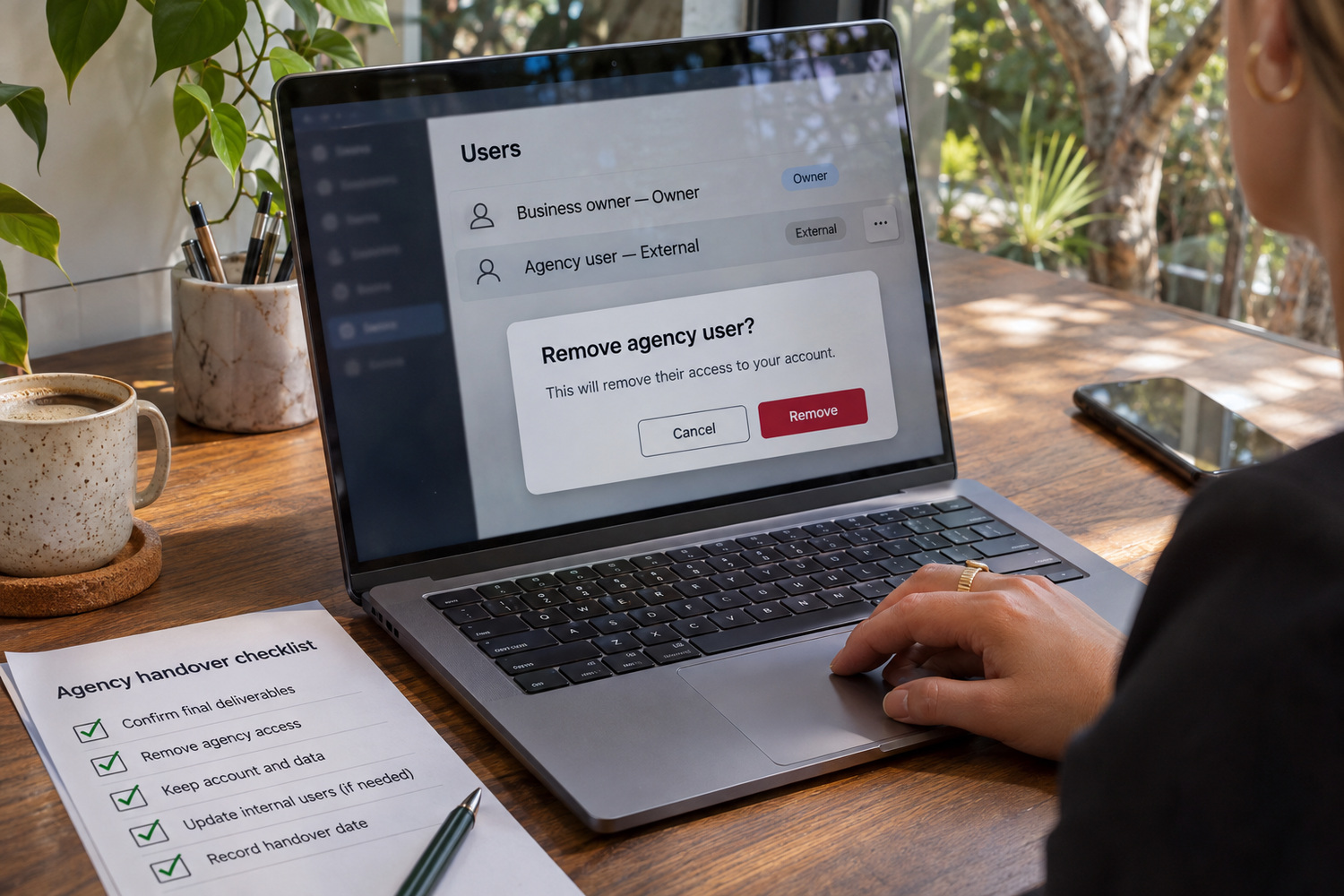
Work through it in order, so you never remove the only login that still works.
Start by signing in to each account yourself. Confirm that your top-role login works, and that its recovery email is a business address you control.
Then remove or downgrade the agency’s own user in each account, one account at a time. Take away their access and leave the accounts, and the work built in them, in place. Your reports, your listing and your pages should stay where they are.
If Google Ads is one of the accounts, read how to set up a Google Ads passkey before you start changing users.
The domain, the hosting and the website files are a separate handover. Our guide to who owns your website when the agency relationship ends covers that list.

Many access requests are reasonable. Three kinds are worth a question before you say yes.
The first is an agency asking for your password instead of sending you an invitation or asking you to send one. A shared password cannot be taken back from one person without changing it for everyone, and nobody can tell afterwards which person made which change.
The second is an agency insisting on building new accounts under its own login. That puts the top role with the agency from the first day.
The third is an agency that cannot say what level it needs, or why.
Some arrangements look odd and have good reasons. An agency running your ads may want to link your Google Ads account to its own agency account, so its staff can work across several clients. That can be perfectly sound. The fair test is whether the agency explains the arrangement, and puts in writing what happens to the link when the work ends.

This takes an afternoon, and it is worth doing before any agency asks for anything. Write down:
Do it before you compare SEO services, including CJ Digital’s. You will go into every first meeting knowing what you hold and what you are prepared to give.