




A Yarraville business website should start by deciding who it serves first. A shop or café in the village is chosen by people deciding within minutes, usually on a phone. Its site needs today’s hours, the address and one clear next step. A business in the industrial streets is chosen by buyers at a desk comparing suppliers. Its site needs a plain, precise account of what the business makes, supplies or does.
Someone outside the shops checks whether a café is open before they cross the road. A few streets away, a buyer has three supplier websites open and needs a shortlist by Friday. The same website cannot put both answers first.

The village shopping centre sits around Anderson and Ballarat streets by the railway station. To its east, industrial land runs toward Whitehall Street, Somerville Road and the port.
They bring different customers. The village customer is close by and wants to know whether to come in now. The trade buyer may never visit, and wants to know whether you can do the job before anyone picks up the phone.
| Question | Village customer | Trade buyer |
|---|---|---|
| Where are they when they look? | On the street or nearby, on a phone | At a desk, often on a computer |
| What do they need to confirm? | That you are open, where you are and what is on | What you do, to what standard and for whom |
| What is the next step? | Walk in, call, book or order | Add you to a shortlist, then call or email |
Many businesses serve mostly one of the two. Working out which one comes first shapes the rest of the site.
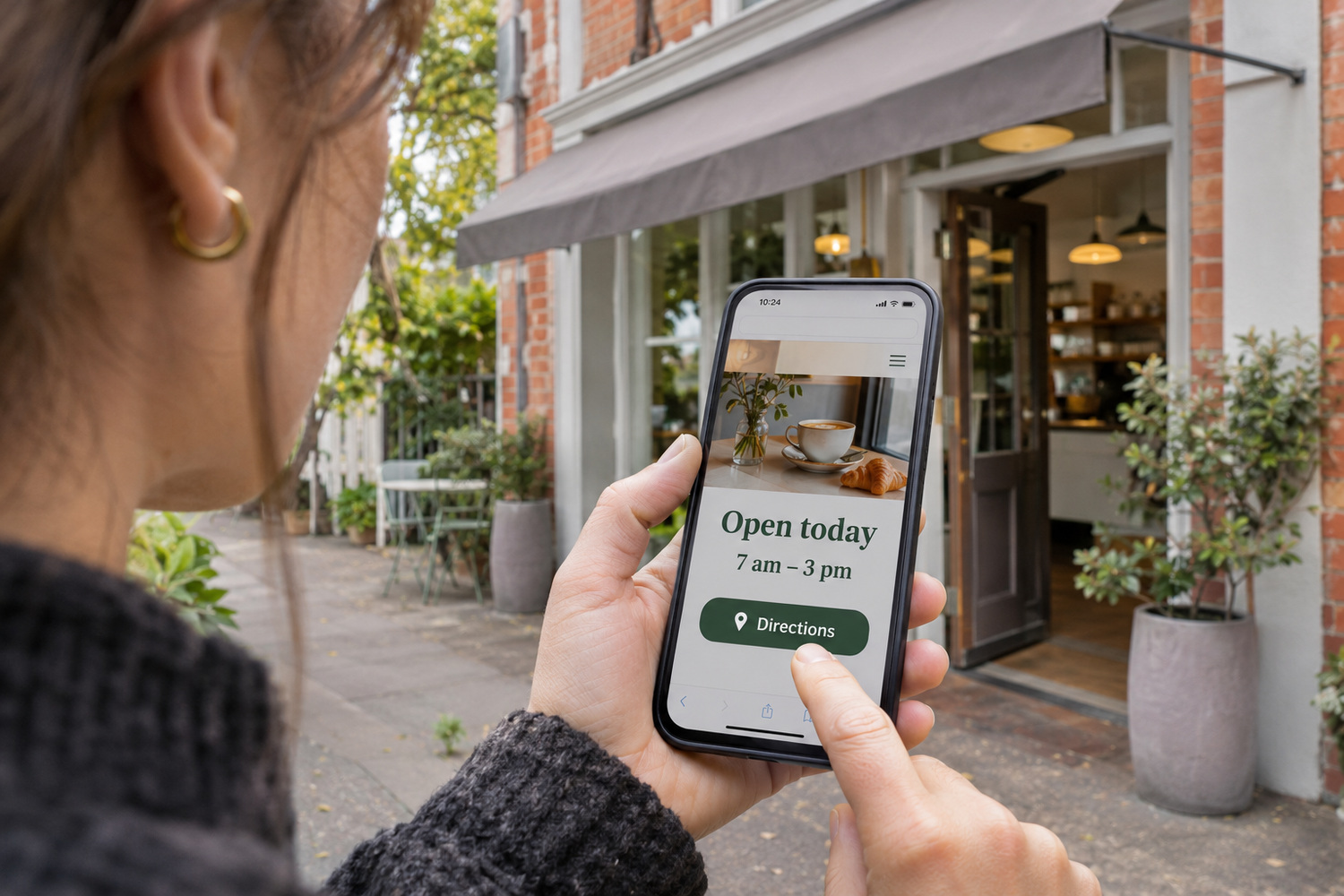
A person on the strip makes their choice within walking distance. If the site is slow to answer, the next shop is a few steps away.
With narrow streets and the railway line through the village, pedestrian access matters. Show which street your entrance faces and give a map pin that takes someone to that door.
Put these where a phone shows them first:
A phone number shown as an image, a menu locked inside a PDF and hours tucked away on a contact page all slow this reader down. Each one is a quick fix on a site you can edit.
A café that takes orders online can link to the ordering service it already uses. The website does not need to become a shop to do that.
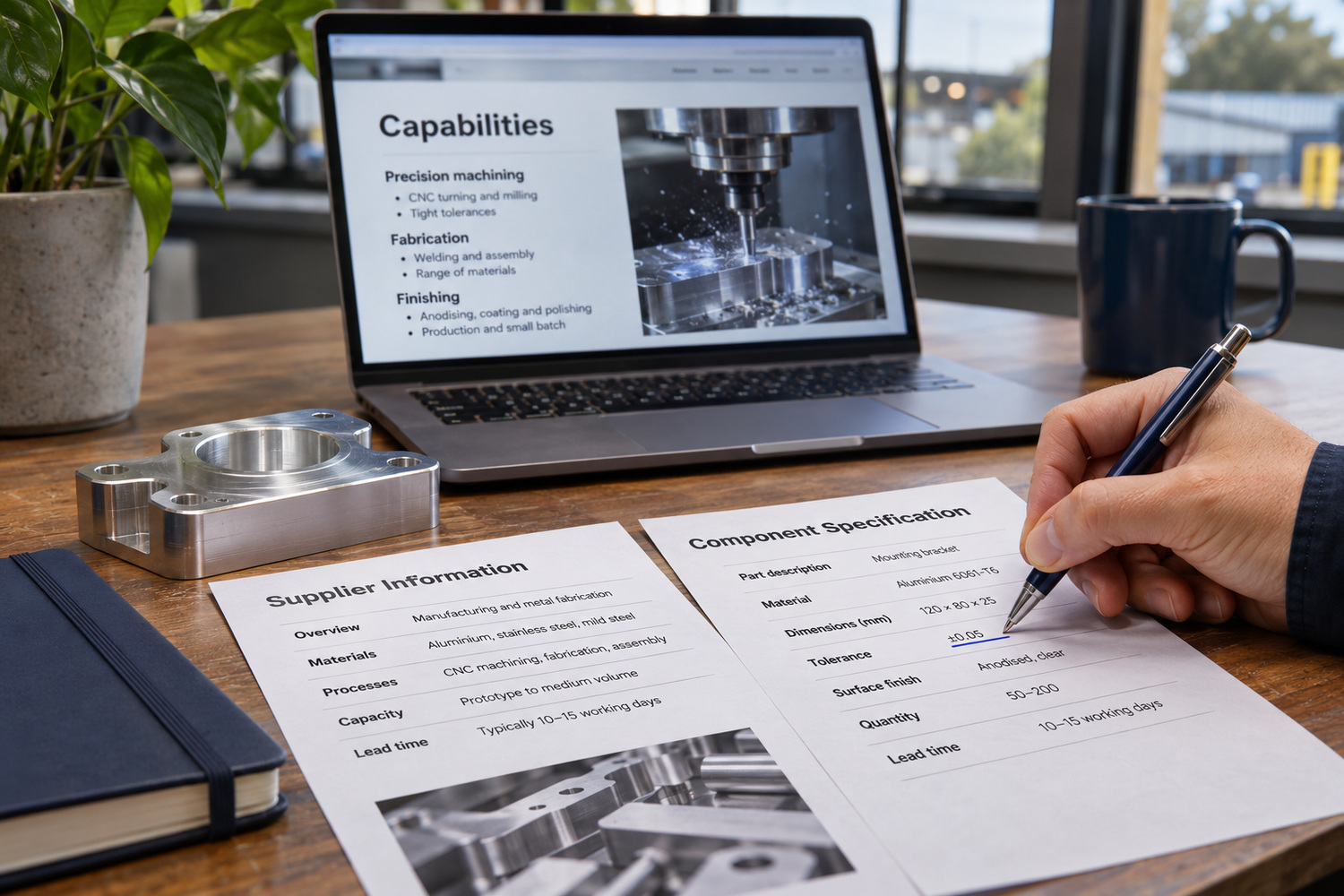
A trade buyer is deciding whether you belong on a list of possible suppliers. They may be comparing you with businesses across Melbourne, and they will not walk past your door to check.
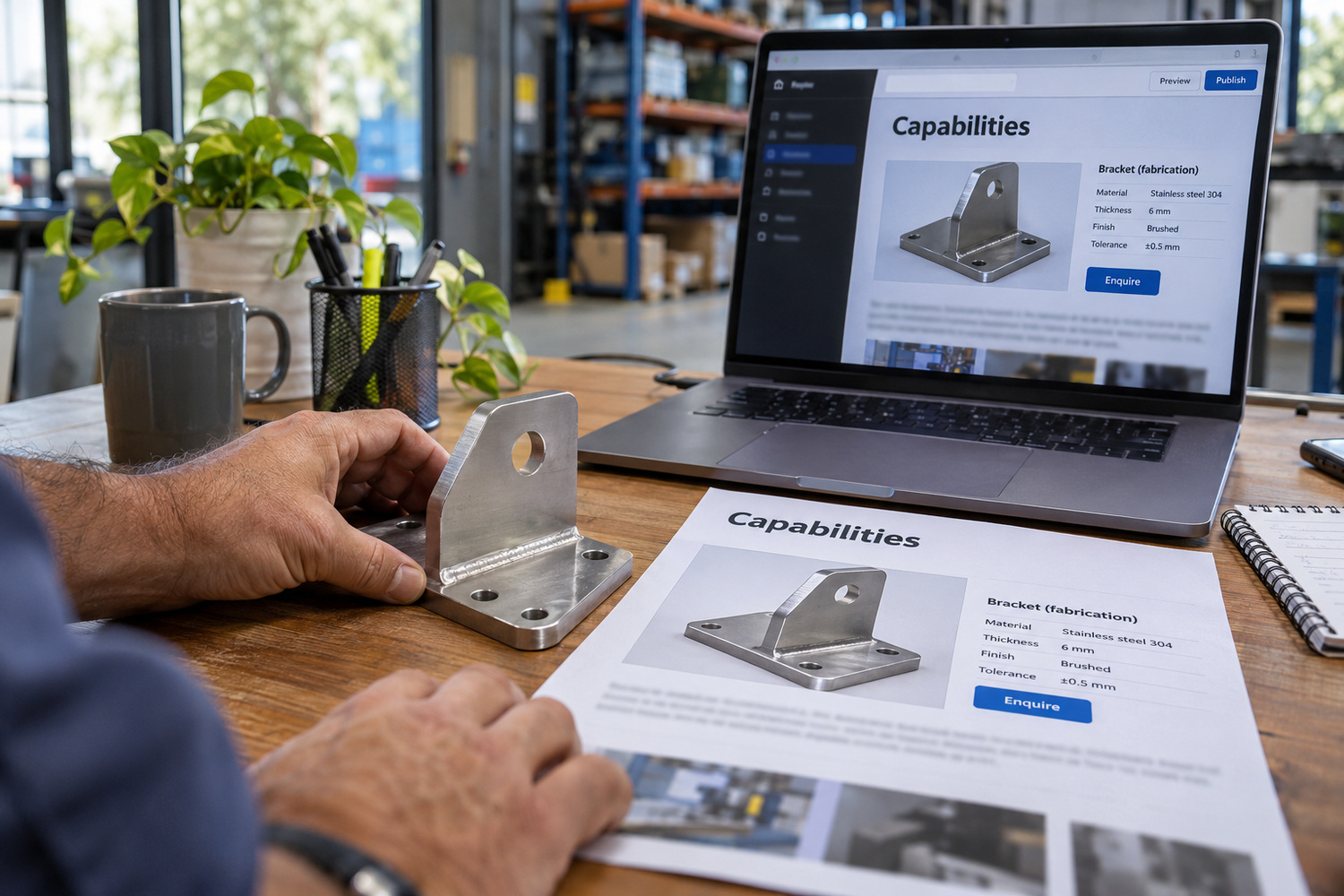
The page that serves them is a capability page: one page that says plainly what the business can do. It should cover:
Business buying often involves more than one person. The person who finds you may need to show a manager, an engineer or someone in accounts before anyone calls. A page with its own web address can be pasted into an email in seconds. A general home page with a slogan and a stock photo cannot do that job.
A brochure PDF can sit beside that page. On its own, it is harder to find, to link to and to correct.
If you offer trade accounts or credit terms, say so and say how to apply. If you do not, leave them out rather than hinting. A business that also sells to walk-in customers has a separate routing question: how to keep both paths clear when serving the public and trade buyers from one site.
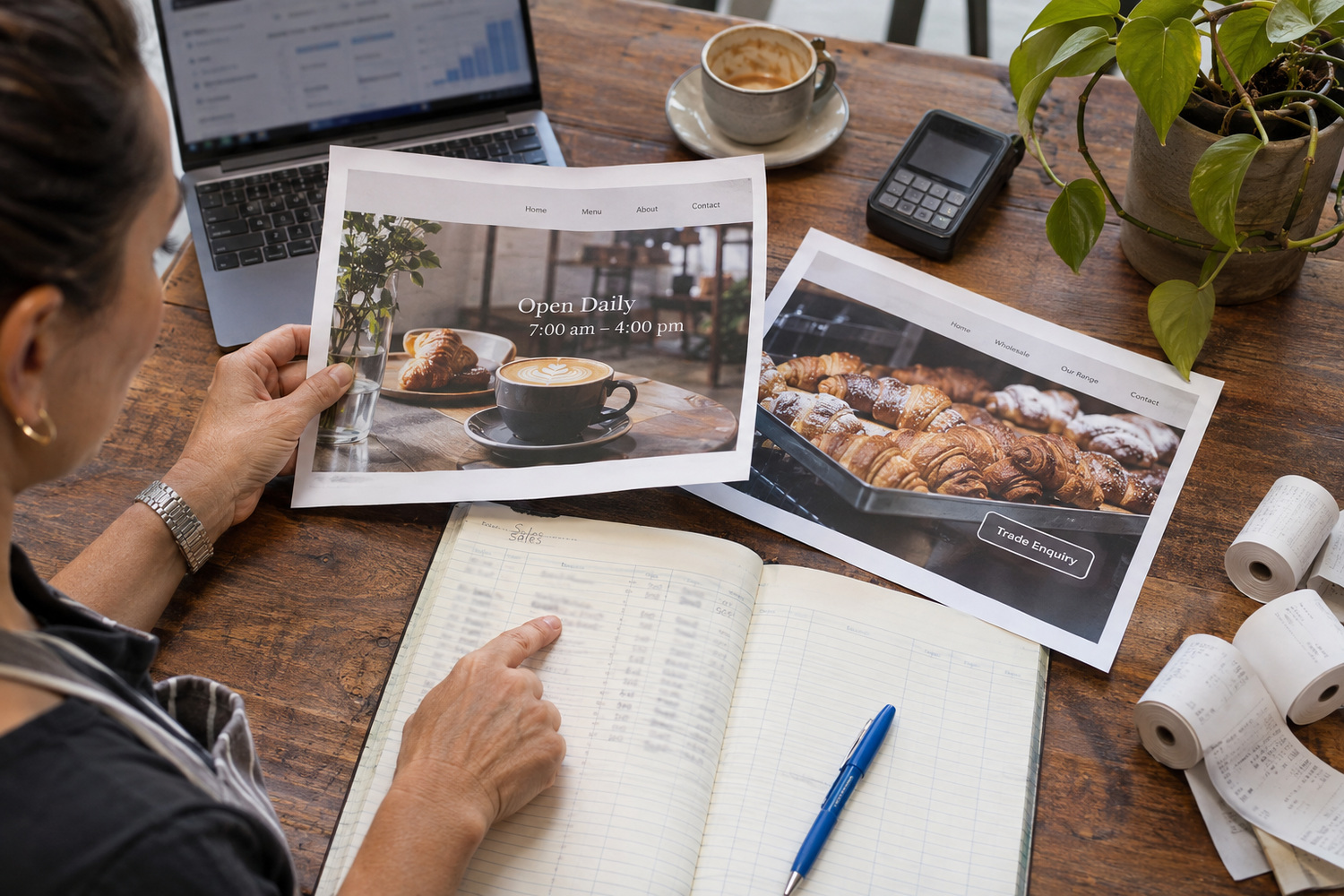
Both readers need the same basics. That means the correct business name, address and phone number, a site that works on a phone, and details someone in the business can keep up to date.
Where they part ways is the first screen. A café’s hours at the top of the page do nothing for a buyer checking a specification. A capability statement at the top buries a café’s hours.
Choose the lead audience from where the work comes from:
Base the choice on the last few months of sales and enquiries, not on the business you hope to become. No single layout suits every business.
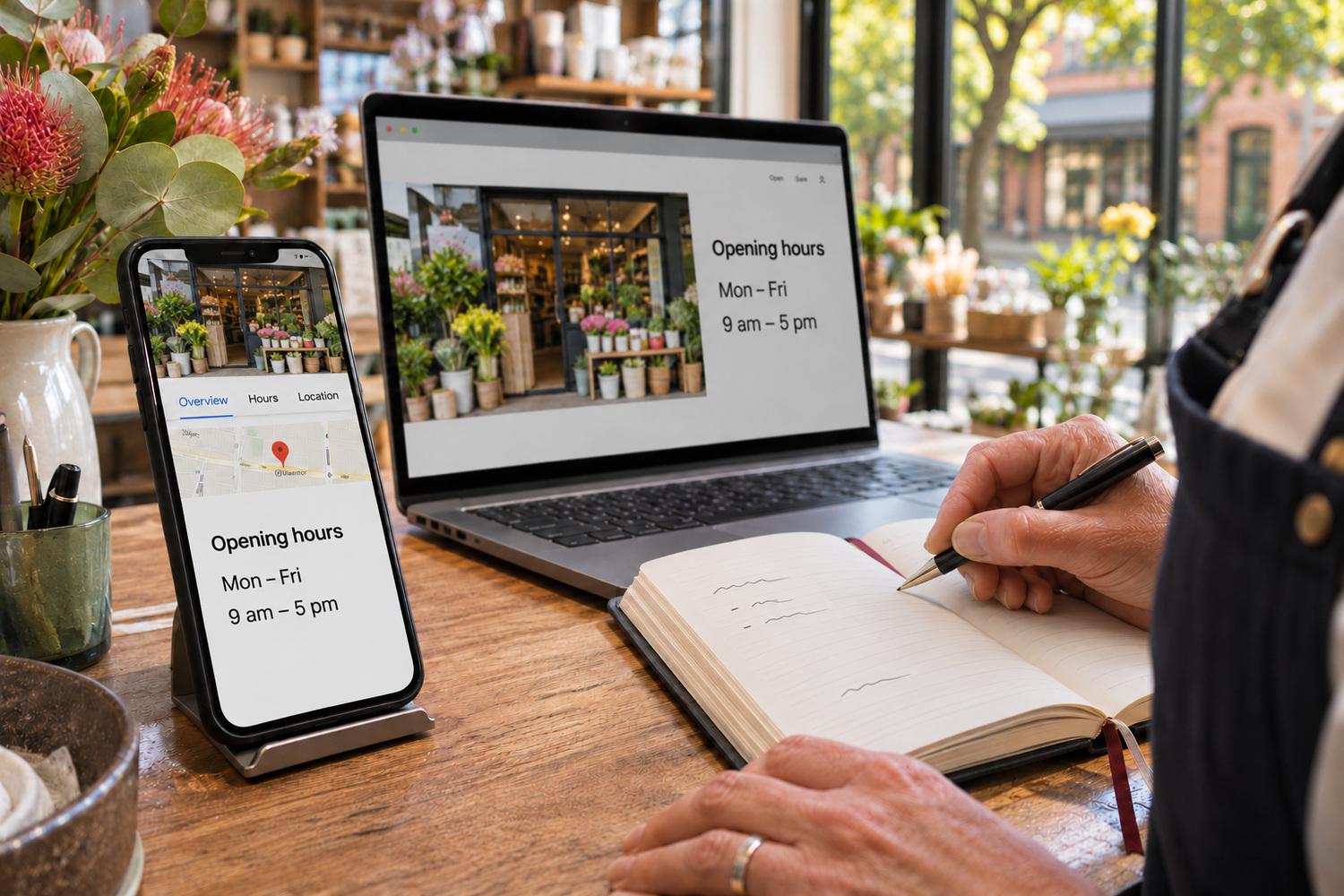
A customer’s search does not stop at the suburb boundary. Someone from the next suburb, or passing through, can find the business too.
They may see your Google Business Profile before they open your website. If the two disagree on hours, address or what the business does, the customer has to guess which one is right. Make sure both say the same thing about what the business is and where it is, and update them together when anything changes.
The website is only one part of how near-me results are decided. Matching details are the part you control today.
For a shop with one address on the strip, that address shown the same way on the profile and the site matters most. A business that travels to jobs has a harder call about whether a page for each nearby suburb is worth it. The test is whether each page would tell a customer something different.
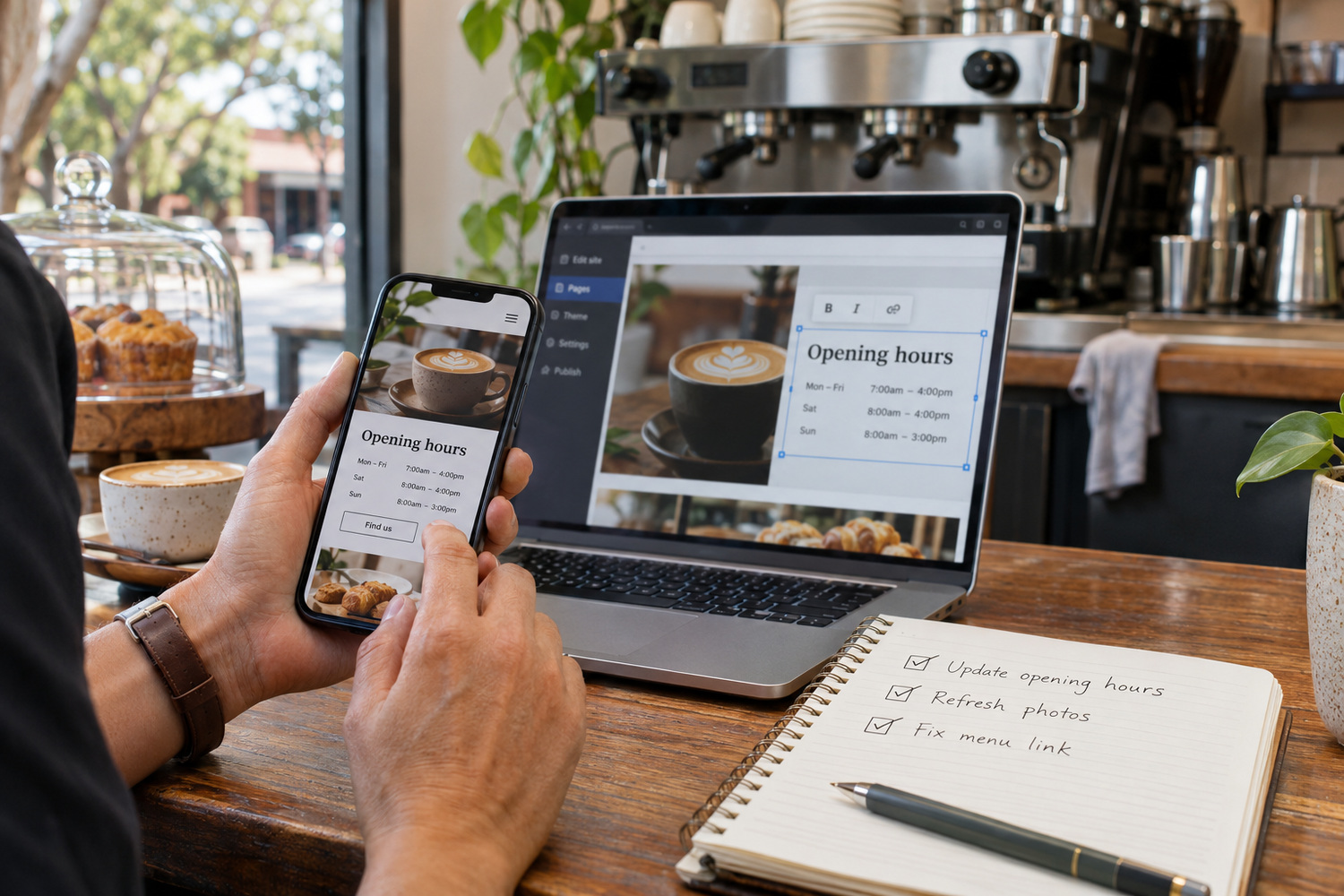
If the site works on a phone and you can edit it yourself, fix the first screen and the missing facts first. That is often all a small business on the strip or in the industrial streets needs.
A rebuild makes sense when:
When the answer is not clear, deciding between a refresh and a redesign walks through the trade-offs.
For a village business, the first page to get right is the one that holds hours and the next step. Whoever runs the shop that day should be able to change it without waiting for anyone.
For a trade business, it is the capability page. Build it before a new home page. It is the page a buyer forwards, and it gives you something specific to send after every phone enquiry.
Both depend on being able to make changes yourself. For website design and development, CJ Digital builds on WordPress and includes a training session, so owners can change text, prices and images without calling a developer for every edit.
Before you change anything, open your site on a phone outside the business. Then ask whoever answers the phone which question they hear most often. If the answer is not on the first screen, that is your first edit.
Usually, yes. A shop’s form or button should get someone to a booking or a call as fast as possible. A supplier’s form can ask what the buyer needs and to what standard, so the first reply is useful.
No. Its job is to show what the business can do and how to ask. Add prices only if you are prepared to keep them up to date.
Not by itself. Keep the PDF if buyers ask for one, but give it a matching web page that can be found, shared as a link and updated whenever the business changes.