




List the EV and hybrid jobs your workshop offers in your Google Business Profile services, where that feature is available. Use descriptions to explain any limits. An individual service does not, by itself, justify changing the category that describes the workshop’s core business. The profile should help a customer understand which work you will accept before they call.
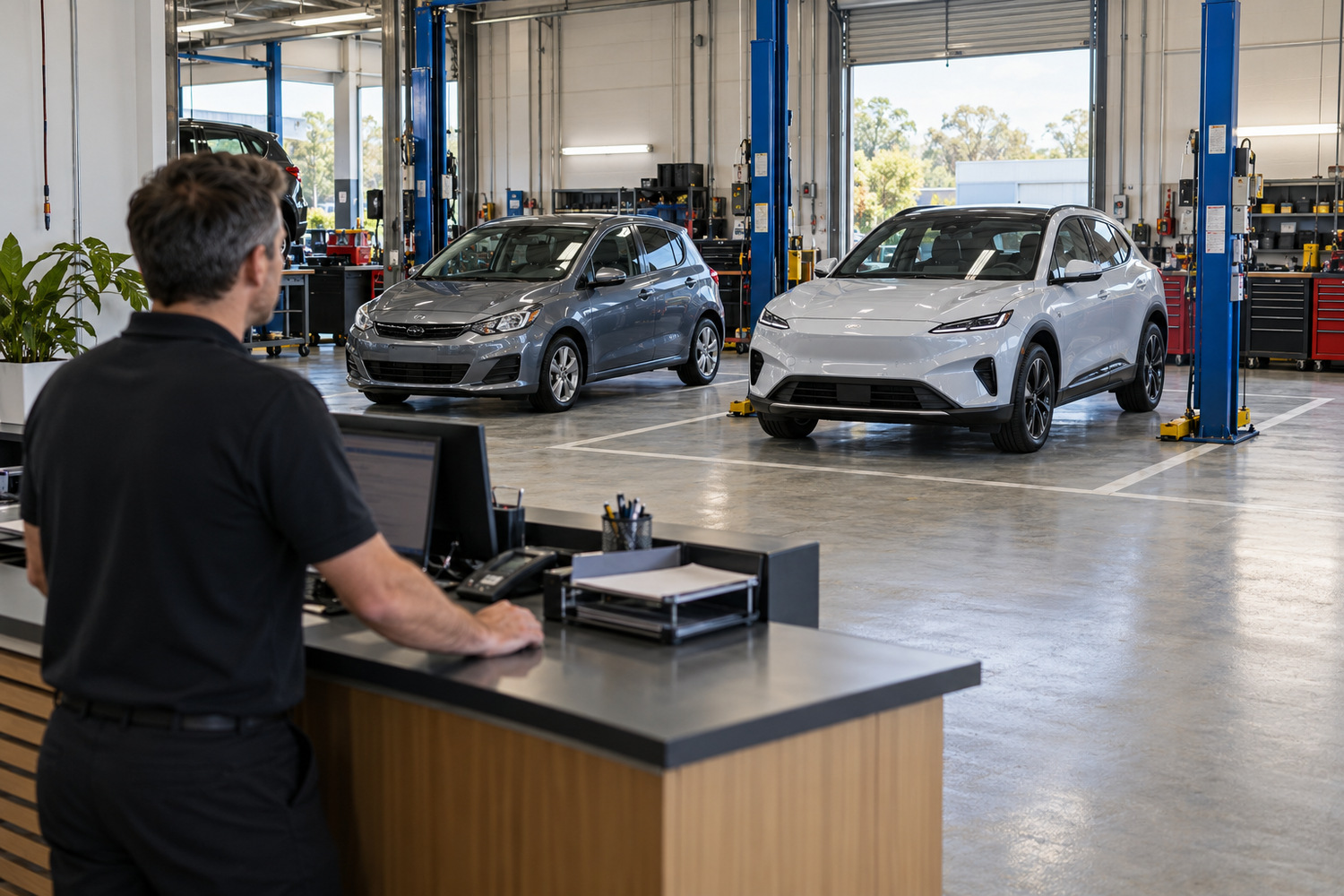
Adding EV work does not automatically make a general repair workshop a different kind of business. Google’s guidelines ask for the fewest available categories that accurately describe the overall core business. They also warn against using categories merely as keywords or attributes.
A category describes the business as a whole. The services list describes individual jobs. Keep that distinction when reviewing an electrified offering, rather than choosing a category because its words look useful in a search.
Use only available categories that describe the business. Do not assume an EV category will be offered in your account. A service grouping in the editor is not permission to invent a business category.
For a wider category review, our advice on which categories a profile should carry covers that decision.

Start with the services editor, if your category provides it. Google’s page on managing services says the feature is available to businesses in certain categories. An owner should check the actual profile rather than assume every account offers the same controls.
The editor provides suggested services for the business type and an option to add custom services. Use a suggested entry where it accurately describes the work. Where it does not, a custom entry can name the job in plain language.
Keep the fields distinct:
Google says custom services that break policy are rejected automatically. Names must avoid prices, phone numbers, personal information, profanity and gibberish. A service name should describe work the business takes on, rather than collect phrases it would like to rank for.
The documented route is Edit services, select the relevant services, then Save. To add your own entry, use Add more services and Add custom service. Those are Google’s published steps, not confirmation that a particular workshop sees every option.
A service may be highlighted when a local customer searches for an offering you provide. Customers can also view the full service list in Maps. Neither point guarantees that a particular entry will be shown, improve rankings or bring calls.

Name the work you accept and explain the boundary beside it. A broad EV label can leave a customer unsure whether their particular request is included.
The business description can give a short account of the services offered. Google’s rules require relevant, honest information. Keep it useful:
The restrictions on a business description are not identical to the service editor’s fields. Optional price information may sit in service details; it does not belong in a custom service name or a promotional business description.
The broader question of describing your workshop’s EV capability belongs to the existing website article. A profile field cannot establish that capability, and changing its wording does not change the work the business can undertake.
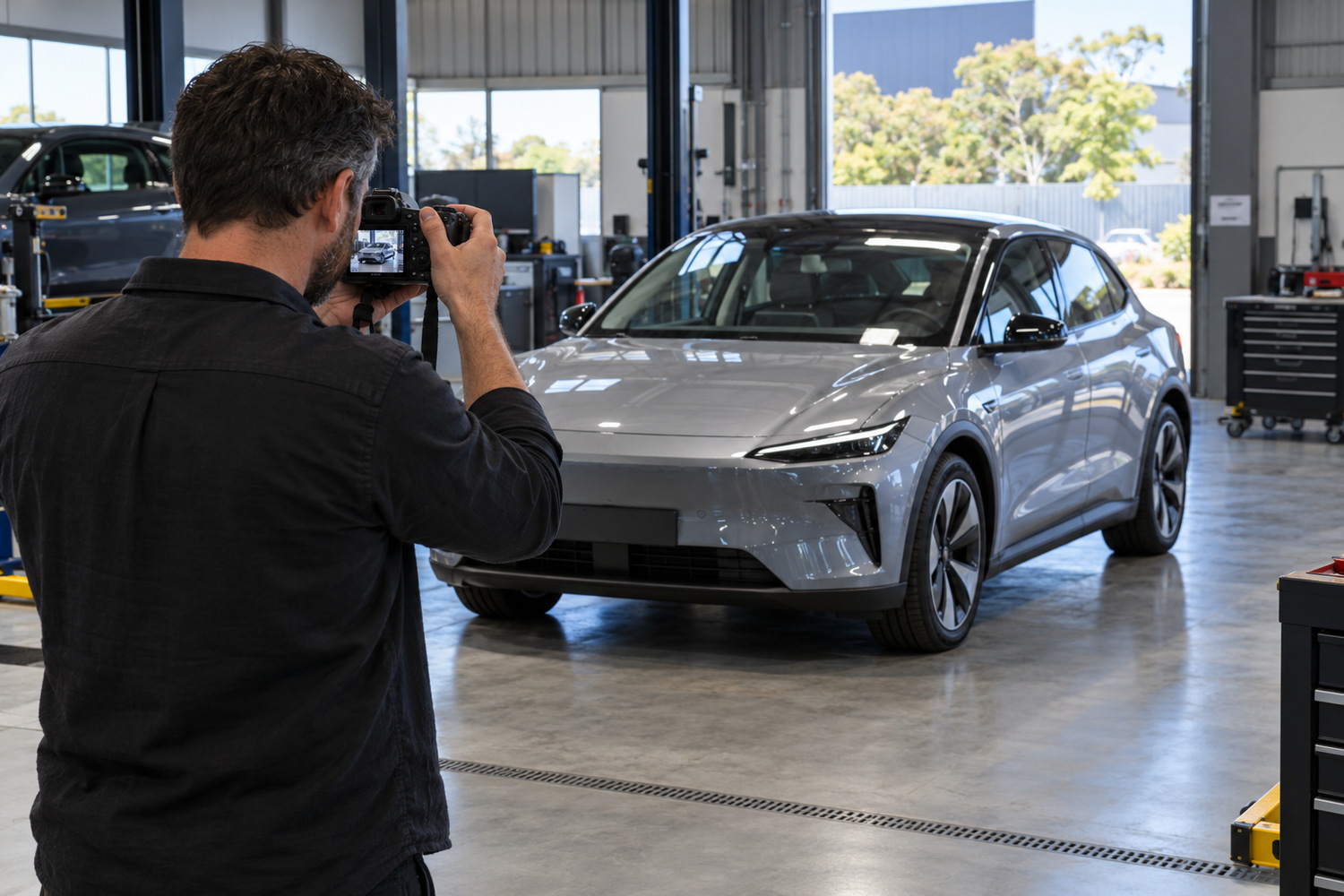
Genuine photographs can show the workshop and work taking place there. They do not establish a qualification or prove that every service suggested by the image is available.
Google’s Maps media tips call for photographs you captured at the place being shown. They discourage stock images, collages and heavy manipulation. Use appropriate permission and check what an image implies before publishing it. A picture of a car in a bay does not, on its own, establish that the workshop performed a particular repair.
A post can announce an actual service or update. It remains a claim the business must be able to support. Google makes the business responsible for its posted content and may remove posts carrying unverified contact information. Neither a post nor a photograph substitutes for an accurate service description.
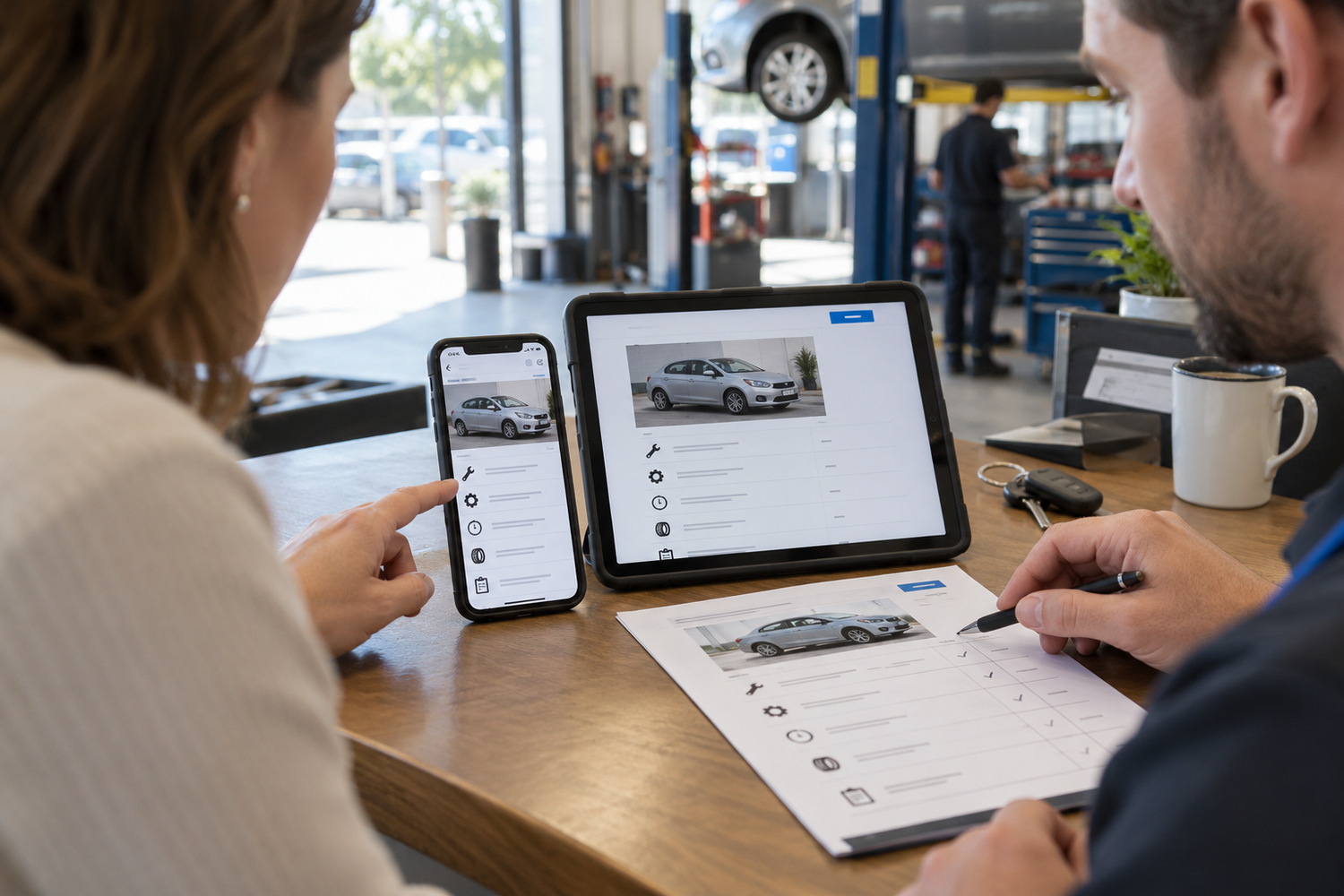
Compare the actual offer across the profile and the website. Google’s representation guidelines require an accurate account of the real business. Contradictory descriptions leave customers without a clear answer about what is available.
Read each service entry against the work the workshop currently accepts:
Check that the website gives customers the same boundary. A missing explanation and a genuine change in the service are different problems; establish which one applies before updating the wording.
One setting needs separate care. Google’s term hybrid service-area business refers to a business that receives customers at its premises and also travels to them. It does not refer to hybrid vehicles. Adding hybrid-car work is not a reason to change that setting.
Keeping these details accurate is part of Google Business Profile management. CJ Digital’s published service covers categories, services and descriptions. Start with the entries that are missing, unclear or out of date, so the work has a defined purpose rather than becoming a request to add more EV keywords.
Where the services editor is available, it includes an Add custom service option. Use an accurate job name and follow the naming rules; the option does not make every proposed entry acceptable.
Google says a matching service may be highlighted. It does not promise that every entry will appear for every relevant search, or that listing it will bring a call.
In that setting, hybrid describes a business serving customers both at its premises and at their locations. It does not describe the vehicles the workshop repairs.