





It’s 10:30 on a Tuesday morning. The 9am client just left with a fresh balayage and an Instagram story. The 11am isn’t in for another half hour. You sit down at the front desk with a coffee, open your laptop, and pull up your website analytics for the first time in three weeks. What should you be looking at?
This is the moment most Melbourne hair salon owners read articles like this one. The Tuesday quiet, between blow-dries, with the diary half full and the espresso machine off. Hair salon websites do real work for the salon, and most of that work happens while you’re at the chair. The work is specific to your business and to the salon owner’s day, and that is the lens this article uses.
CJ Digital is a web design agency in Hawthorn with more than fifty Melbourne small business clients across hair and beauty, hospitality, retail, and trades. Hair and beauty is one of seven portfolio specialisms in our 2026 industry mix. The five-minute check below is what we’d suggest a salon owner look at first.
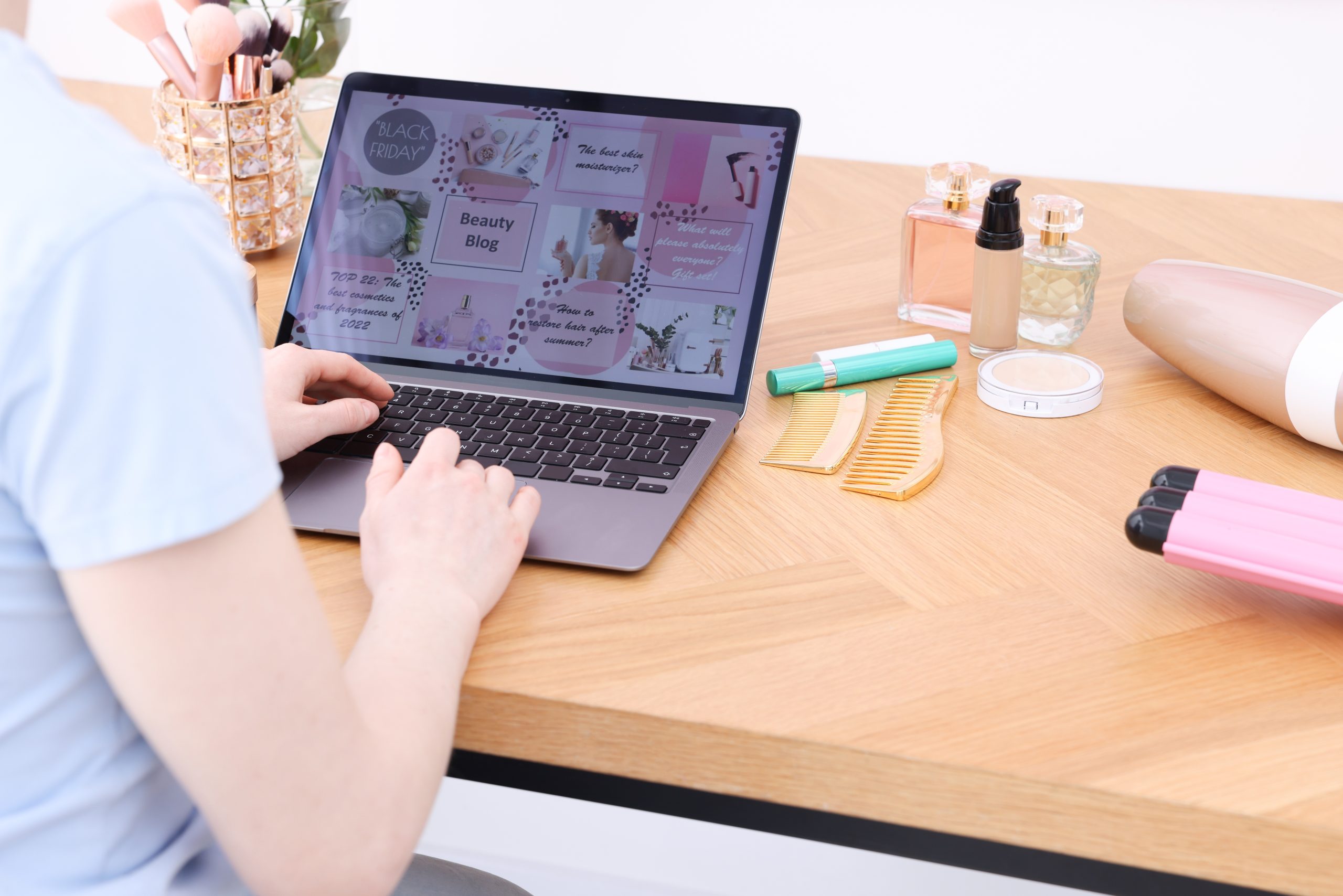
While you’re at the chair sectioning a foil, your website is at reception. It’s open in three browser tabs across Melbourne, taking enquiries, showing your work, and deciding which prospects book and which scroll past. This is the part of the business you don’t see, because you can’t be at the chair and at reception at the same time.
A hair salon website does four jobs in this gap. It shows up in search when someone types ‘best balayage Carnegie’ or ‘Brazilian blow dry near me’. It shows the work, so the prospect can see whether the colour finish in your portfolio matches what they’re after. It converts the prospect into a booking, on a phone, in two or three taps. And it handles the friction questions before they become a phone call: how much, how long, who’s available, where to park.
When your website is doing all four jobs, the diary fills itself. When it’s missing any one of them, you feel it as quiet weeks. The work below is the diagnostic for which job is failing.
Set a timer for five minutes. The point of the routine is to read the dial, not to fix anything yet. Open the salon’s analytics tab and the salon’s website on your phone, side by side.
If anything in those five minutes makes you wince, that’s the work for next Tuesday.
Most salon owners overcomplicate this. A hair salon website needs to do five things well, and a small list of things to actively avoid.
What to skip
Four platforms come up repeatedly when a Melbourne salon owner is choosing between booking systems in 2026. The platform you pick matters more than where you embed it on your website.
| Platform | Pricing model | Best fit | Notes |
|---|---|---|---|
| Fresha | Free base plan; 20% commission on new clients via the Fresha marketplace | New salons, solo stylists, price-sensitive operators | Largest platform reach in Australia. Strong consumer-facing app. Marketplace fees add up at volume. |
| Timely | From around $20 per month, scaling with staff numbers | Mid-tier salons that want branded booking on their own site | New Zealand-built. Stronger customisation than Fresha. Per-staff cost scales as the team grows. |
| Phorest | Custom pricing, generally enterprise-tier | Higher-end salons and multi-location groups | Built for salon-specific operations. Steeper price point and longer onboarding. |
| Square Appointments | Free single-user tier; paid plans for teams | Solo operators already using Square POS | Light feature set for salons. Strong if Square is already running the front desk. |
The booking integration is the conversion moment. The website around it is the marketing that gets the customer to that moment. Pick the booking platform first, then build the website around it.
Yes, but the relationship between the two is different from other industries. Instagram is the discovery channel where new customers find your work. The website is the conversion channel where they answer their questions and book.
Instagram does discovery brilliantly. A new customer scrolls, sees a silver balayage on a Carnegie salon’s grid, saves the post, and taps through to the bio. The platform is built for that moment, and the salon owner’s evening hours of editing reels are paying off there.
But the customer who’s interested then has questions. How much. How long. Who does that finish. Can I book a Saturday. Is there a patch test for a fresh colour client. Where do I park in Toorak on a Saturday morning. Instagram answers none of those cleanly. The link in bio takes them to the website, and that’s where the booking flow has to do its job. A salon running Instagram only loses the customer who wants 24 hours to decide. The website is the place that customer can come back to.

A hair salon website needs five core elements. These are online booking that handles your service mix, a service menu with price ranges, a current portfolio gallery, a team page with each stylist’s specialism, and genuine reviews. Skip auto-playing video, multi-step contact forms, and full-screen pop-ups. The mobile booking flow matters more than every other design choice combined, because most salon traffic is on a phone.
Yes. Instagram is the discovery channel where customers find your work. Your website is the conversion channel where they answer their pricing, parking, and stylist questions before booking. Instagram alone loses the customer who wants 24 hours to decide. A website holds that customer until they’re ready, and gives them a booking flow that doesn’t depend on whether they remember the salon’s handle.
A properly built salon website with a current portfolio, booking integration, and a team page sits around $5,000 to $12,000 in 2026. Templated single-stylist sites start lower, around $1,500 to $3,000, and suit a solo operator who isn’t trying to grow. The booking platform subscription is separate and runs $0 to $50 a month for most independent salons.
Use a specialist booking platform like Fresha or Timely embedded into your website. A native website booking system rarely matches the diary management, no-show protection, and reminder logic of a dedicated platform. Fresha suits new salons and solo stylists for its free base plan. Timely suits mid-tier salons that want branded booking with stronger customisation. Both integrate cleanly into a Melbourne salon website.
Three changes lift booking rates more than anything else. Put a ‘Book Now’ button above the fold on every page. Show recent portfolio work organised by stylist. List service prices as ranges. Most salon websites lose bookings because the booking flow is buried, the work is stale, or the customer can’t tell what something costs. Fix the friction in that order.
Recent client work, organised by service or stylist, colour-corrected but not retouched. Real before-and-after transformations sell more bookings than studio glamour shots. Stock photos and supplier-supplied product images undercut the salon’s credibility, because the customer can spot them. Aim for new portfolio uploads at least monthly, and rotate the homepage hero image each quarter so the website doesn’t read as abandoned.
Most salon owners think of their no-show rate as a customer problem. It’s partly a website problem.
The booking flow you’re routing customers through is making them commit before they’ve fully decided, or it’s not. The reminder rhythm is reaching the customer or it isn’t. The deposit policy is filtering the right customers, or it’s filtering the wrong ones. The stylist confirmation is in the customer’s inbox, or it’s lost in spam. Each of those is a website-and-booking-platform decision, and each affects the no-show rate.
If your no-show rate is creeping up, look at the website before you change the cancellation policy. The website is the booking surface. If it’s making the wrong customers commit and the right customers hesitate, the diary will show it. The Tuesday morning check is the routine. The no-show rate is the reading.
If you’d like a hand reading the dial on a Melbourne salon website, get in touch with CJ Digital. We’ve built and supported salon websites across Melbourne and would happily walk through your Tuesday morning numbers with you.