



When someone searches for “mechanic near me” or “car service in Melbourne,” your Google Business Profile is often the first thing they see — even before your website.
It shows your name, phone number, reviews, photos, hours and map location. If it’s missing key information or looks neglected, most people will scroll past you and call someone else.
Here’s how to optimise your profile so that it shows up more often and gets you more phone calls and bookings.
If you haven’t already claimed your profile, start there.
Search your business name on Google. If it appears on the right-hand side or in Google Maps, click “Claim this business.” You’ll need to verify by mail or phone.
Once it’s yours, you can update and manage all the details.
This is the only way to control how your business appears when people search for you.
You should also claim your profile on Bing, as your Microsoft profile can be set up to reflect your Google Profile content. This allows you to target two platforms but only do the work once.

Your business name, address and phone number (also called NAP details) must be:
For example, if your business is called “Precision Auto Service,” use that exact name everywhere. Not “Precision Auto” on one page and “Precision Automotive Services” on another.
Google wants to be confident it’s showing the right business. Inconsistent info lowers your visibility.
Google allows you to set a primary category and several additional categories.
Your primary category should match what you do best. For most, that’s:
Only use one primary category. Then add extra categories like:
This helps your business show up for more types of searches.
Photos build trust and increase engagement. Businesses with real photos get more clicks and calls.
Add pictures of:
Avoid stock images. Google can tell. And your customers can too.
New photos also tell Google your business is active, which can improve your rankings.
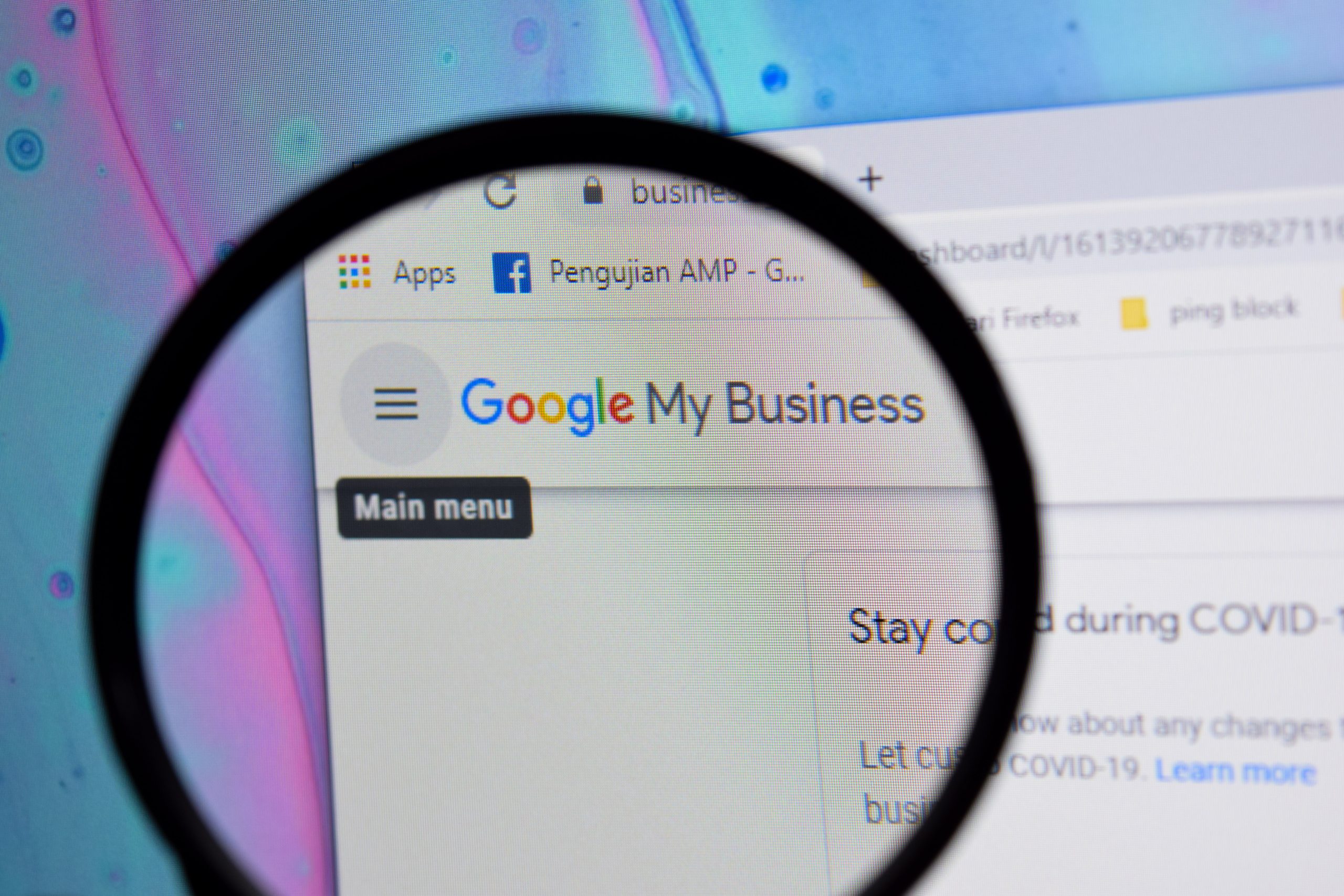
Your hours of operation must reflect when your workshop is actually open.
Update these regularly — especially for public holidays or if your hours change seasonally. Few things annoy potential customers more than showing up to a closed shop.
You can also add special hours in advance for upcoming holidays.
Reviews are one of the most important local ranking factors. They also directly influence how likely someone is to call you.
Here’s how to build more reviews:
And don’t forget to respond. A short reply shows you're engaged and active.
Even a simple “Thanks for the feedback, glad we could help” goes a long way.
Most mechanics don’t know you can post updates to your profile — just like social media.
You can post about:
Posts only last seven days but help keep your listing fresh. Google likes that. It also gives customers more reasons to choose you.
Your profile should link directly to your main website — not a booking platform or Facebook page.
This builds trust, increases traffic to your site, and helps your website rank better too.
If you use a booking system, you can also add a separate booking link.
Many mechanics claim their listing once, fill in a few details and never touch it again. That’s a missed opportunity.
Your Google Business Profile is your online shopfront. It’s often the first and only thing people see before deciding to call you.
Keep it active. Keep it accurate. And treat it like part of your customer service.
If your profile is outdated, blank or missing reviews, that’s what your business will look like to potential customers.
CJ Digital helps mechanics across Melbourne set up and optimise their profiles properly — so they rank better, look more professional, and get more calls from local search.